Blog

Key takeaways:
Most comparisons of application development tools list features. That is the least useful thing to know, because the feature lists converged years ago and the real differences are cost model, lock-in and what happens when your team doubles.
This one compares thirteen tools that a professional engineering team actually uses to ship software, with prices read off each vendor's page this month, grouped by the job they do rather than by category label. We build software at VAULT, and this is close to the stack we run.
One boundary worth stating up front: these are tools for people who write code. Visual builders that let non-developers assemble an app are a different category with different economics, and mixing them into one list helps nobody.
An engineering team needs six jobs covered, and almost every tool below exists to do one of them well.
You need somewhere to write code, somewhere to store and review it, a way to build and test automatically, a way to package and run it consistently, a way to see what broke in production, and a way to agree on what to build next. That is the whole shape.
The mistake teams make is buying tools before they have the practice. A CI server does nothing for a team that does not write tests, and an issue tracker does not create prioritization. Tooling amplifies whatever process exists, which is why the question of readiness for a technical team usually comes before the question of what to buy.
The table groups by job and shows the entry price. Read the pricing-model column carefully, since it predicts your bill at scale better than the headline number does.
Notice how few of these are simply per-user. Terraform bills per resource, Sentry per event volume, Docker adds build minutes, Postman meters AI credits, and Cursor meters model usage on top of the seat, so three developers can generate very different bills depending on what they build.
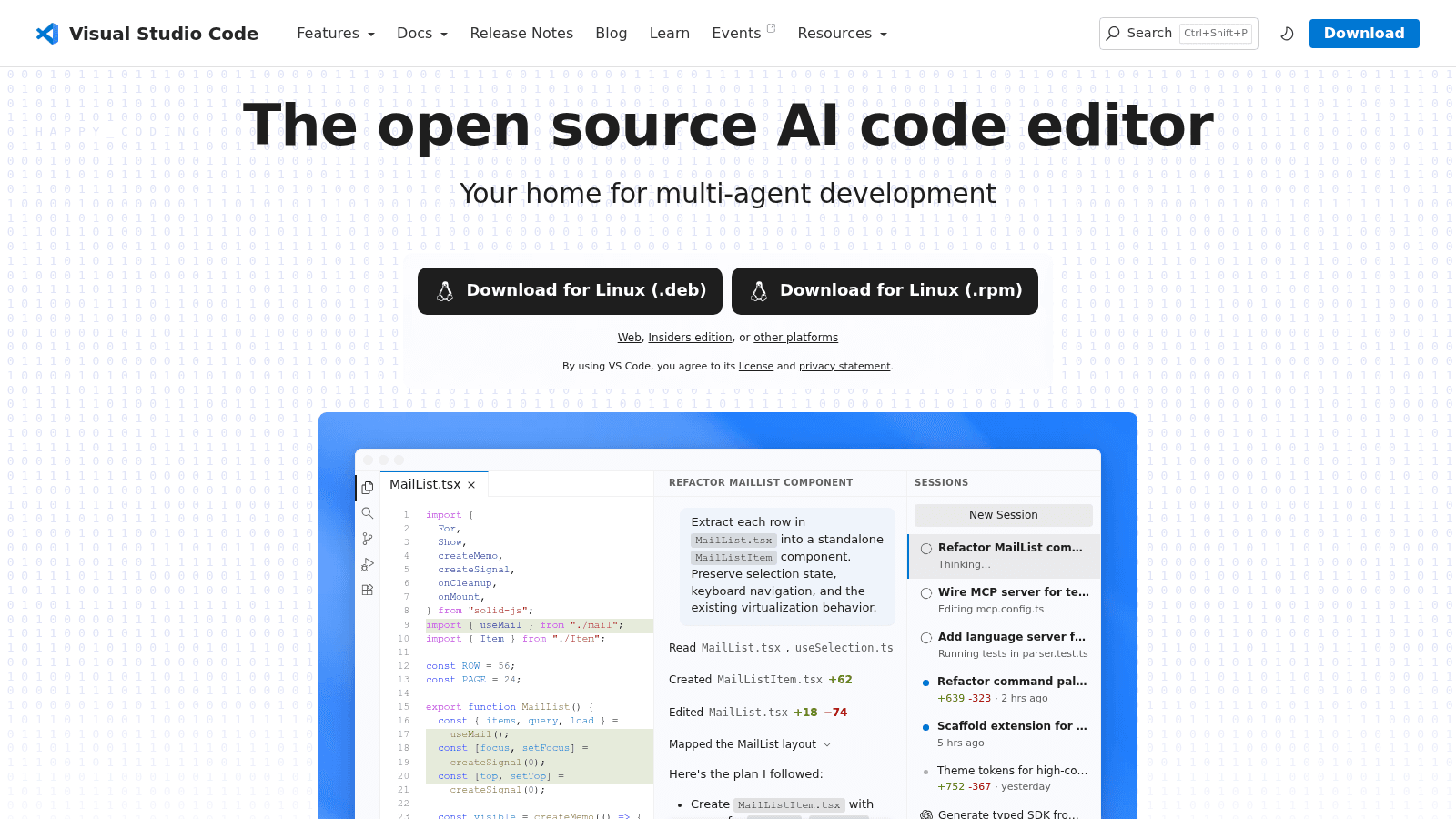
Microsoft's editor is the default for most of the industry, and it now describes itself as the open source AI code editor and a home for multi-agent development.
Job: writing code. Pricing: free and open source, with no paid tier.
Pros: free, enormous extension ecosystem, works with every language, the AI agent features are built in rather than bolted on
Cons: heavy configuration is on you, large monorepos can feel sluggish next to a native IDE, and extension quality varies wildly
Verdict: The default answer, and a genuinely good one. Start here and only move if a language-specific IDE clearly earns its price.

JetBrains sells language-specific IDEs with deep static analysis, and its current pitch is any model, any agent, you stay in control.
Job: writing code. Pricing: IntelliJ IDEA Ultimate $719 per user per year; the All Products Pack covering 17 tools is $979; PyCharm Pro $299; GoLand and PhpStorm $289 each; CLion and DataGrip $259 each; AI Pro $200. Organization pricing, billed yearly.
Pros: refactoring and code intelligence still ahead of anything else, excellent database and framework tooling, model-agnostic AI rather than one vendor's assistant
Cons: the most expensive line item on this list per developer, resource-heavy, and per-language licensing means polyglot teams drift toward the pricier bundle
Verdict: Worth the money for teams working deeply in one ecosystem, particularly JVM and .NET. Harder to justify alongside a free editor that has closed much of the gap.
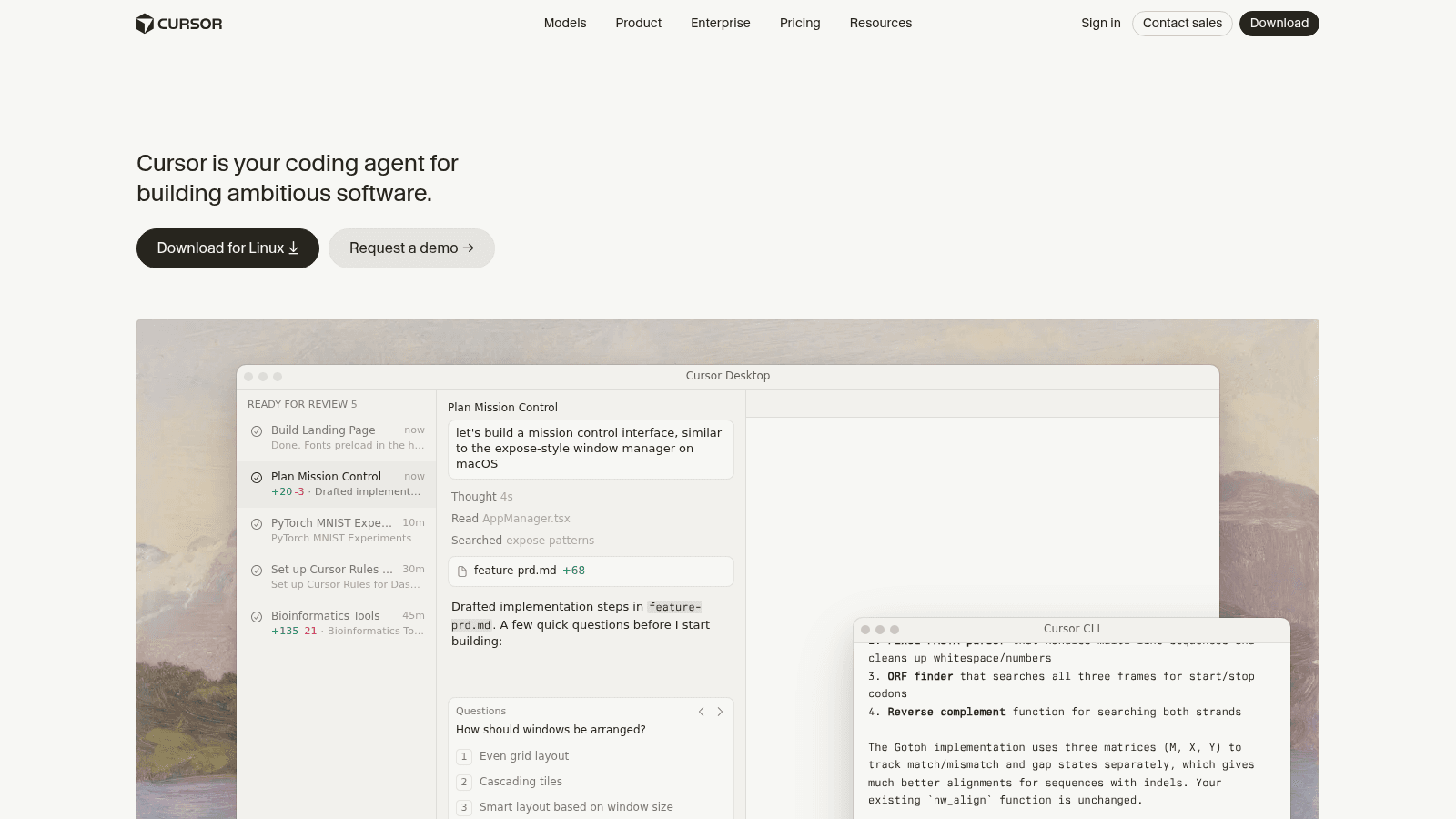
Cursor positions itself as your coding agent for building ambitious software, and it is the clearest example of the AI-first editor category that barely existed three years ago.
Job: writing code with AI in the loop. Pricing: $20 per month individually and $40 per user per month for teams, with Pro+ and Ultra tiers above each. Every plan now includes a set allowance of model usage and bills on-demand usage beyond it in arrears, so the seat price is a floor rather than the bill.
Pros: the most fluent agentic editing experience available, familiar to anyone who has used VS Code, strong multi-file reasoning
Cons: costs more than Copilot for individuals and meters model usage above the included allowance, so a heavy agent user and a light one cost different amounts on the same plan; quality also varies with the underlying model, and accepting large generated changes without review carries real risk
Verdict: Currently the strongest AI-native editor, and best used by engineers senior enough to reject its suggestions.
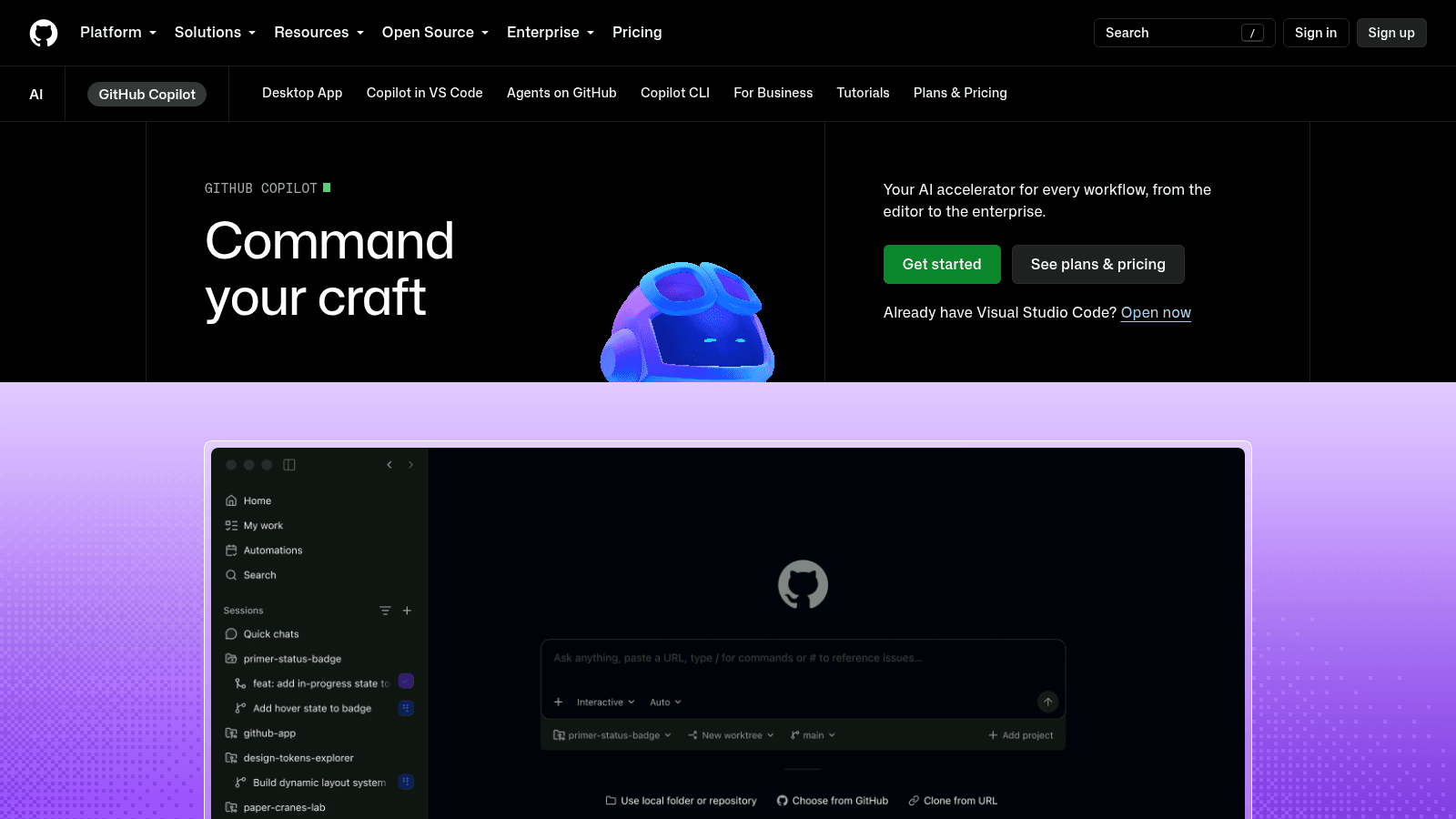
Copilot is the incumbent AI assistant, framed as an accelerator for every workflow from the editor to the enterprise.
Job: AI assistance inside whichever editor you already use. Pricing: a free tier; $10 per user per month; $39 per user per month; $100 per user per month at the top tier.
Pros: a genuinely usable free tier, works across editors, deep GitHub integration, the cheapest paid entry into AI assistance
Cons: less agentic than Cursor at the same price point, quality is uneven across less common languages, and the tier differences are not obvious until you need one
Verdict: The sensible default for teams already on GitHub, especially since the free tier makes evaluation cost nothing.

GitHub is where most of the world's code lives, and its current framing is that developers, agents and code come together on one platform.
Job: storing, reviewing and shipping code. Pricing: Free; Team $4 per user per month; Enterprise $21 per user per month. Codespaces compute starts at $0.18 an hour with storage at $0.07 per GB per month, and Actions minutes are metered once the included allowance runs out.
Pros: unmatched ecosystem and integrations, Actions is capable enough to replace a separate CI server, the free tier is genuinely generous
Cons: Actions minutes become a real cost at scale, advanced security features sit behind Enterprise, and the network effect makes leaving harder than arriving
Verdict: The default for almost everyone. The main reason to choose otherwise is a deliberate preference for a single integrated platform.
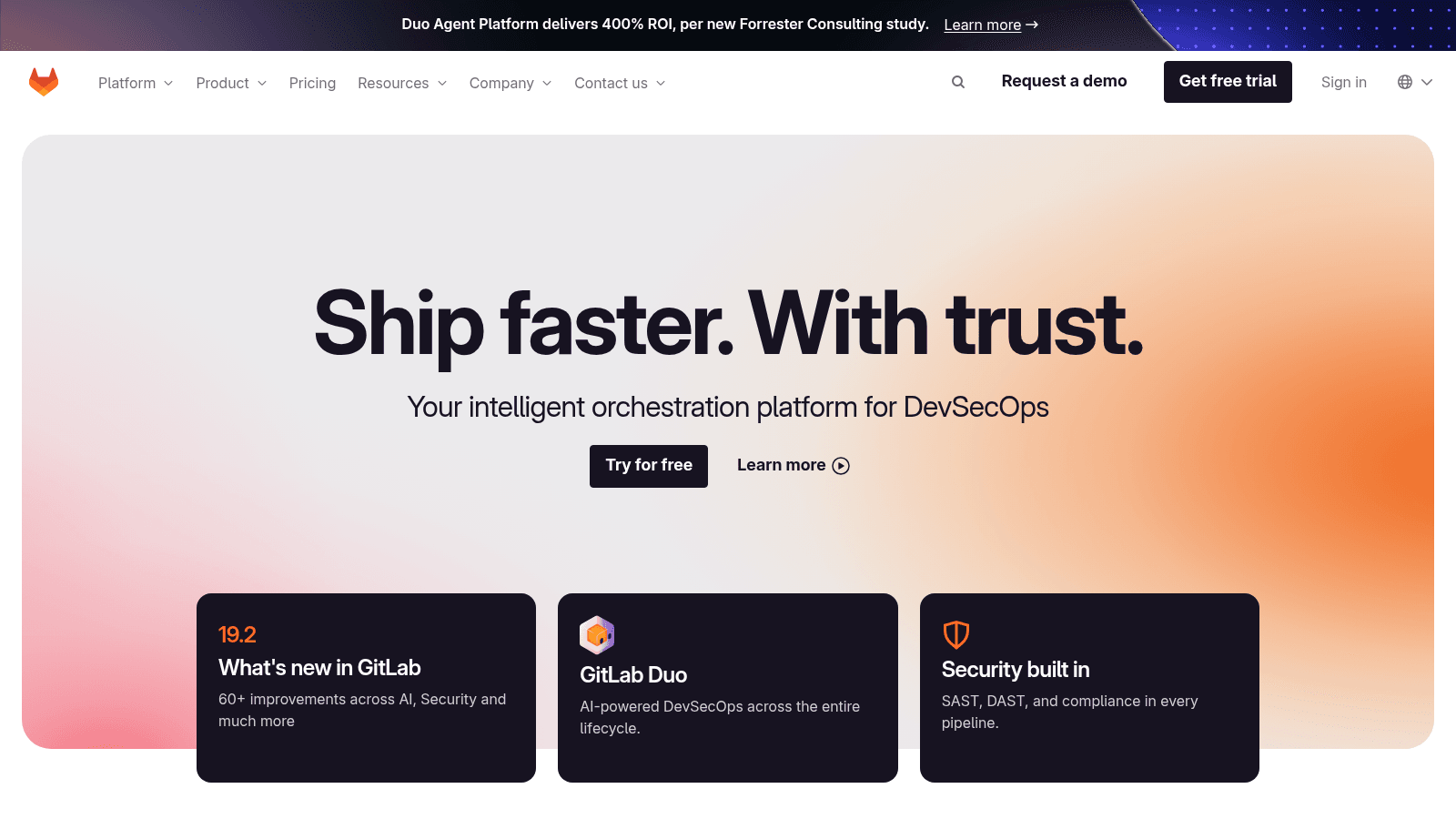
GitLab's proposition is ship faster with trust, positioning itself as an intelligent orchestration platform for DevSecOps rather than a code host.
Job: storing code, building it, and securing the pipeline in one product. Pricing: Free at $0 per user per month, capped at five licensed users with 400 compute minutes; Premium $29 per user per month billed annually, including $12 of AI credits; Ultimate is quote-only and includes $24 of credits.
Pros: one product instead of five, strong built-in security scanning, self-hosting available, credits bundled rather than sold separately
Cons: Premium is substantially pricier than GitHub Team, Ultimate no longer publishes a price at all, and the free tier's five-user cap is restrictive
Verdict: The right call when you want source control, CI and security governed together, and you can absorb the per-user premium.
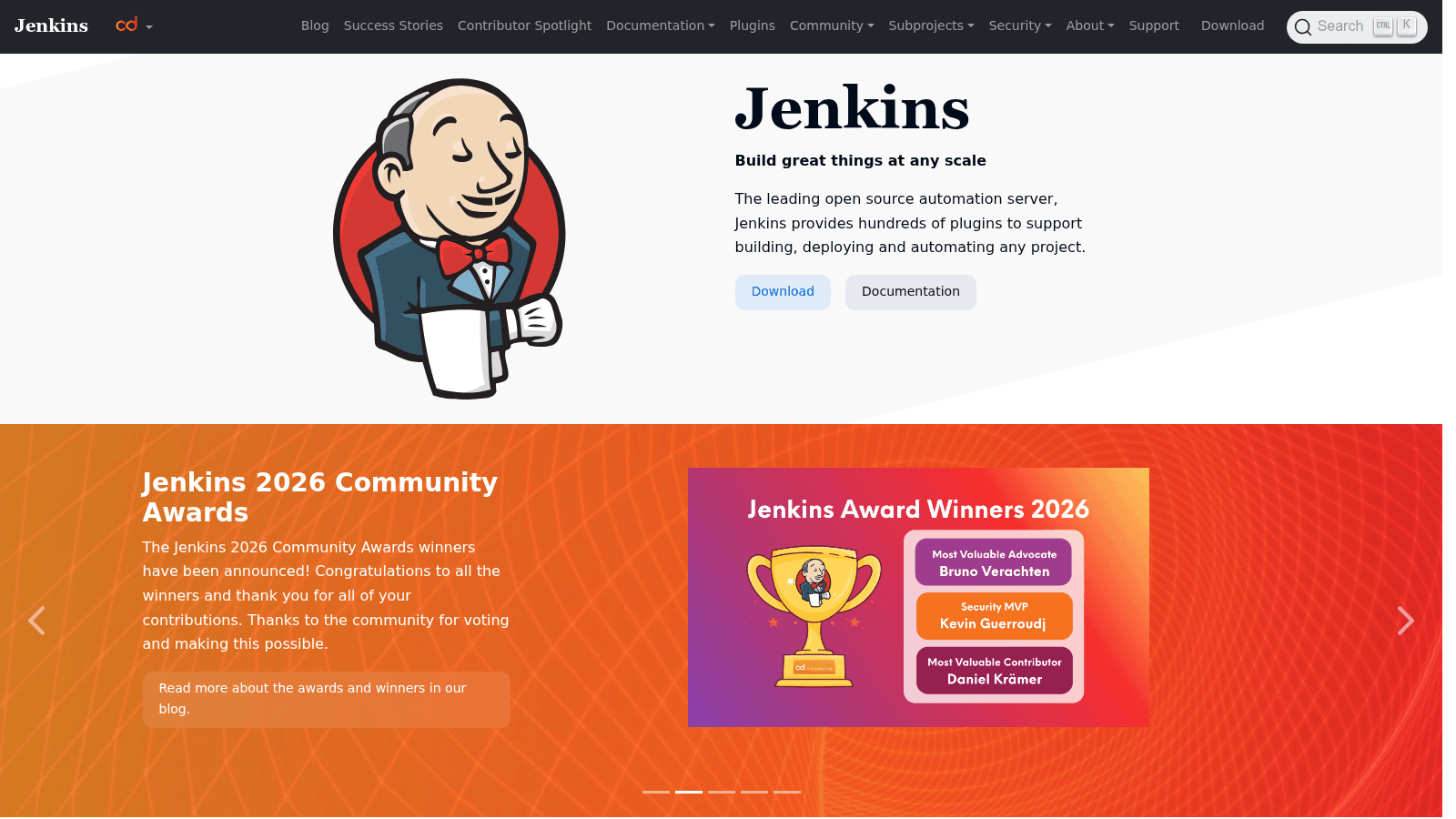
Jenkins bills itself as the leading open source automation server, offering hundreds of plugins to build, deploy and automate any project.
Job: building and testing automatically. Pricing: free and open source.
Pros: free, endlessly extensible, runs anywhere including fully air-gapped, decades of accumulated solutions to obscure problems
Cons: you operate the server yourself, plugin management is a genuine maintenance burden, and the interface shows its age next to hosted CI
Verdict: Still the answer when you need full control or cannot use a hosted runner. For most teams, GitHub Actions or GitLab CI is less work.
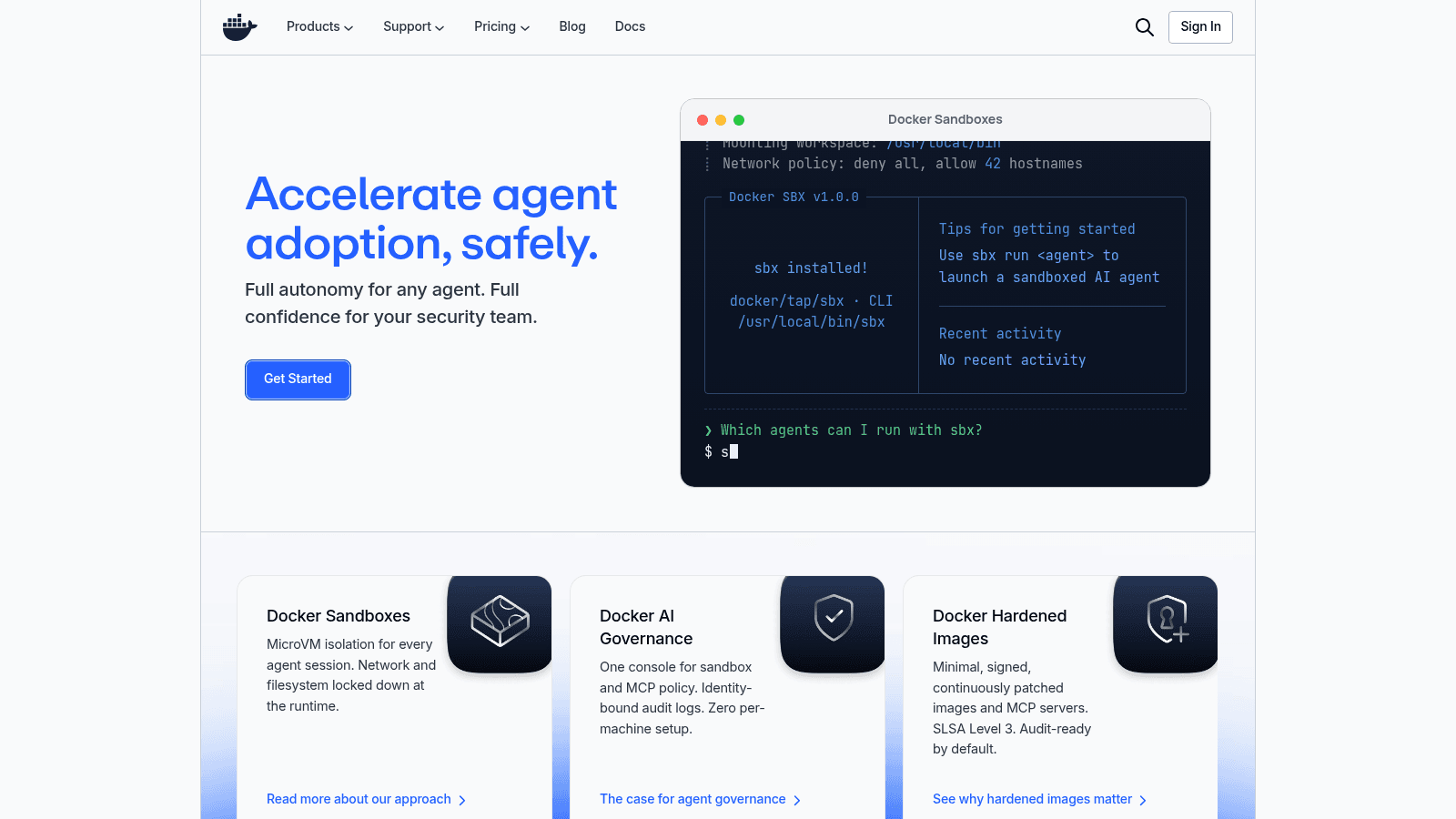
Docker has repositioned sharply this year, now leading with accelerating agent adoption safely through sandboxes, governance and hardened images.
Job: packaging software so it runs the same everywhere. Pricing: Personal free; Pro $9 per user per month annually or $11 monthly; Team $15 annually or $16 monthly; Business $24 per user per month. Additional build minutes are sold in packs from $25.
Pros: the de facto standard for containers, excellent local-to-production parity, the new sandboxing work is genuinely relevant to running AI agents safely
Cons: licensing for larger organizations catches teams out, build minutes are a metered cost on top of seats, and Desktop is heavy on developer machines
Verdict: Effectively unavoidable, and worth reading the license terms properly before your headcount crosses a threshold.
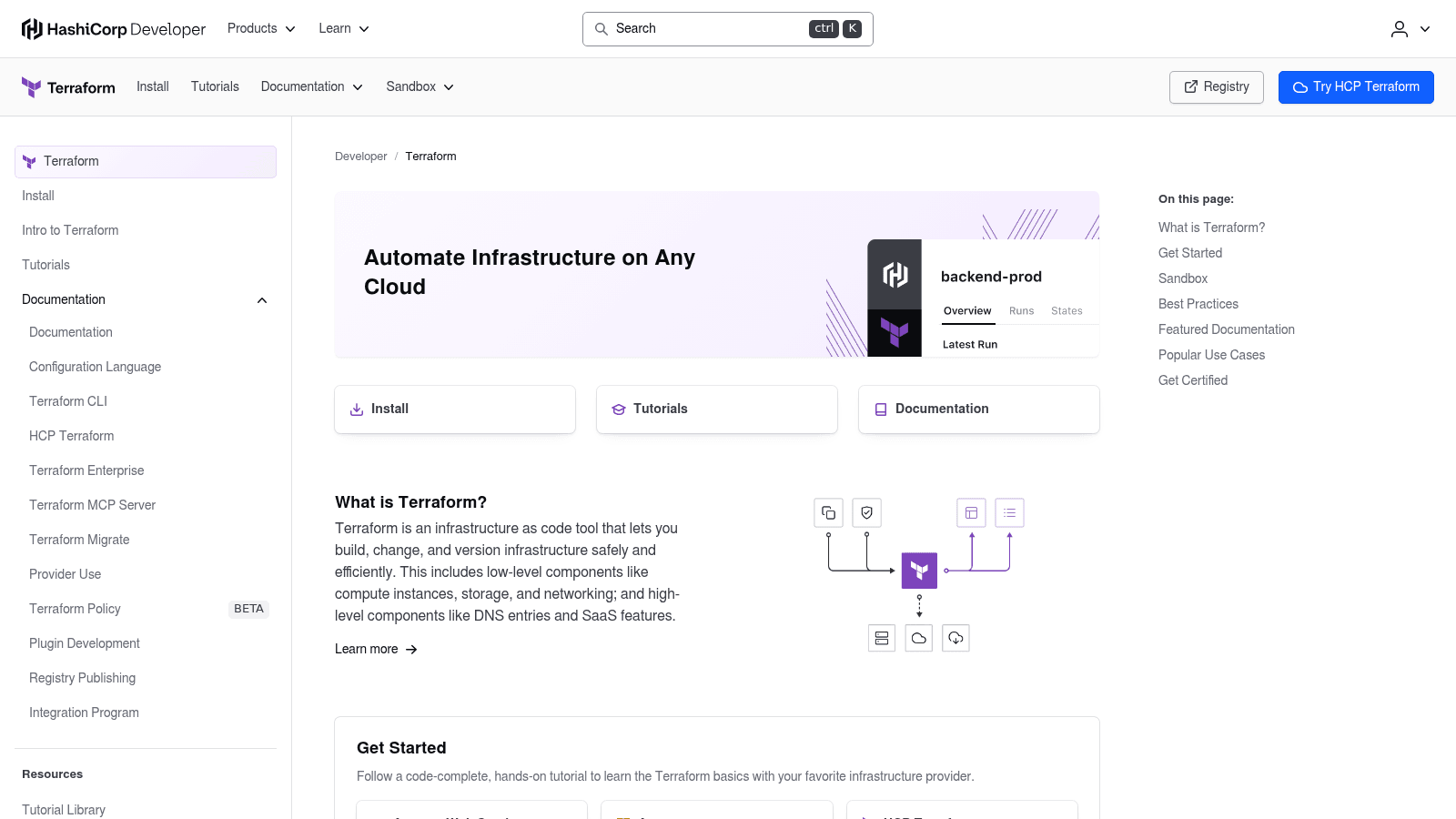
HashiCorp's Terraform automates infrastructure on any cloud, letting you build, change and version infrastructure through code rather than consoles.
Job: provisioning and versioning infrastructure. Pricing: usage-based from $0.10 per month per managed resource, rising to $0.47 per resource on the higher tier, with a $500 trial credit. The CLI itself remains free to run.
Pros: the standard for infrastructure as code, enormous provider ecosystem, per-resource pricing scales down honestly for small estates
Cons: per-resource billing gets expensive on large estates, the licensing change to BSL pushed part of the community to forks, and state management is an operational responsibility in itself
Verdict: The default for multi-cloud infrastructure as code, with the caveat that you should model resource counts before committing.
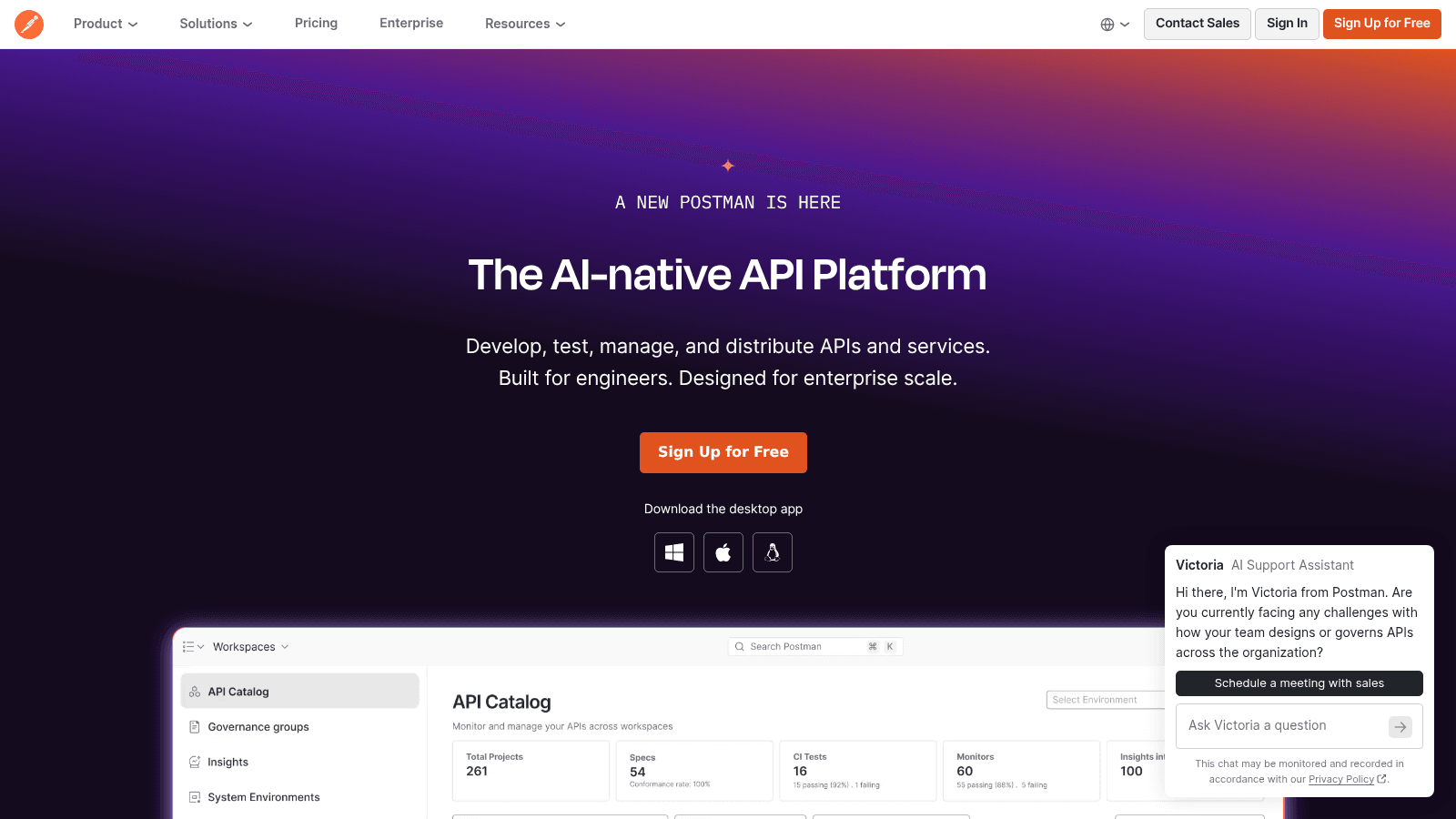
Postman now calls itself the AI-native API platform, covering development, testing, management and distribution of APIs.
Job: designing, testing and documenting APIs. Pricing: Free; Solo $9 per month; Team $19 per user per month billed annually; Enterprise $49 per user per month. AI credits are metered at $0.05 falling to $0.035 with volume.
Pros: the standard tool for API work, strong collaboration and documentation, capable free tier, mock servers and monitors included
Cons: it has grown heavy compared with its early days, AI credits are another metered line, and much of its value disappears if your team will not adopt it collectively
Verdict: Worth standardizing on if your product is API-centric. A lighter client is fine if you only need to poke endpoints occasionally.
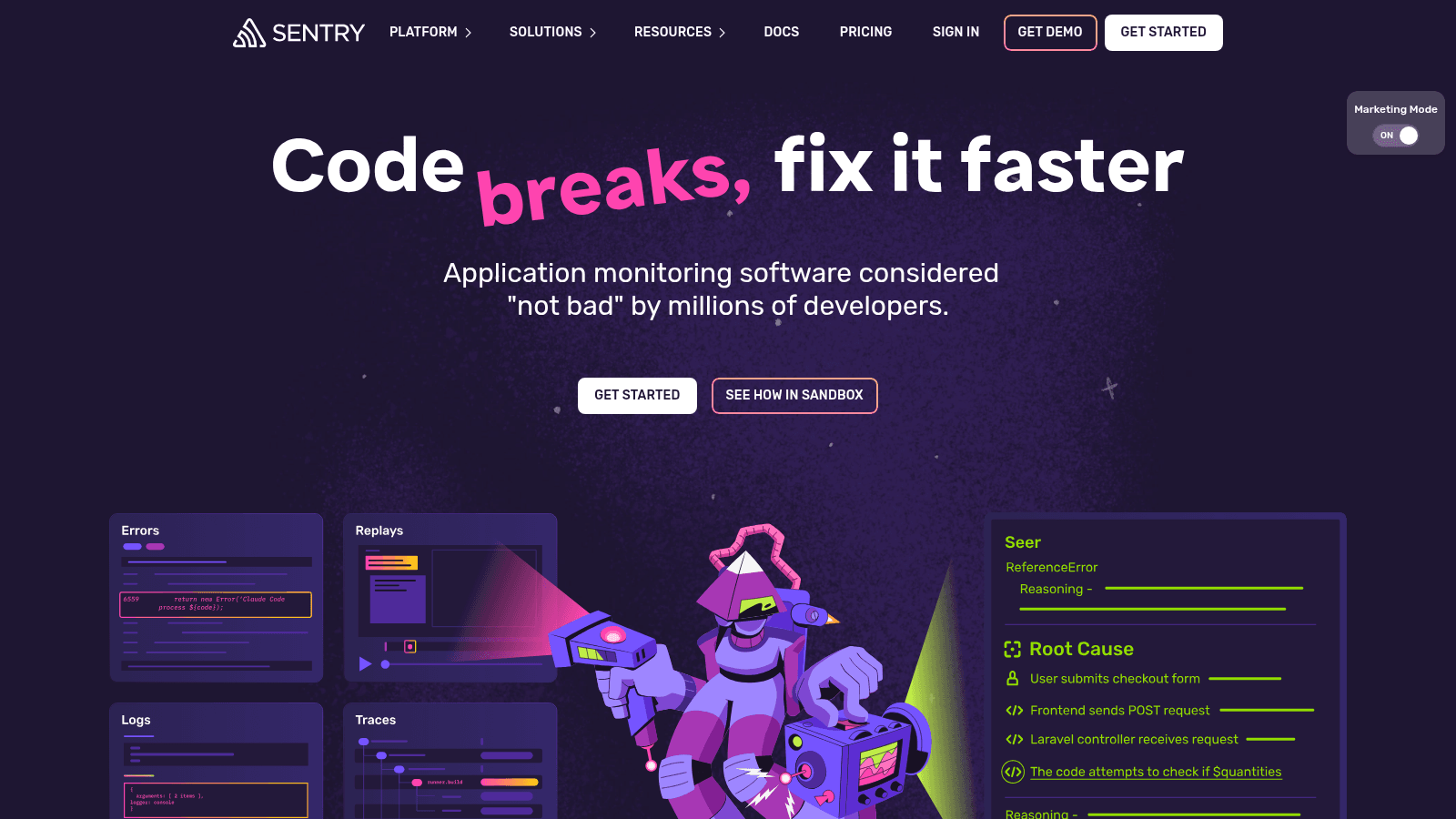
Sentry's pitch is refreshingly plain: code breaks, fix it faster, describing itself as application monitoring considered not bad by millions of developers.
Job: knowing what broke in production, and why. Pricing: Free; Team $26 per month; Business $80 per month; and the Seer AI debugger as a $40 per active contributor add-on on top of any paid plan. Overages run $0.50 per GB and upward depending on the data type.
Pros: the fastest route from an error to the line that caused it, excellent stack traces and session replay, generous free tier, honest overage pricing
Cons: event volume is the cost driver and a noisy release gets expensive, the interface has grown dense, and the newer AI features are still maturing
Verdict: The first paid tool most teams should buy, because the alternative is users telling you what broke.

Atlassian's Jira now frames itself around turning plans into agent-ready tasks, orchestrating work across a team and its agents.
Job: deciding and tracking what gets built. Pricing: Free; $7.91 per user per month; $14.54 per user per month on the higher published tier.
Pros: configurable to almost any process, strong reporting, the free tier covers small teams, integrates with everything
Cons: its configurability is how teams end up with workflows nobody understands, it is slow next to lighter trackers, and administration becomes somebody's part-time job
Verdict: Sensible for larger teams and regulated environments where the audit trail matters. Small teams are usually happier with something simpler.
Figma calls itself the intelligent canvas for infinite creativity, and it belongs in an engineering toolchain because of Dev Mode rather than its drawing tools.
Job: designing interfaces and handing them to engineers. Pricing: Starter free. On Professional, a Full seat is $16 a month, a Dev seat $12 and a Collab seat $3, billed annually. Organization runs $55, $25 and $5, and Enterprise $90, $35 and $5.
Pros: the seat split means developers pay $12 rather than a full design seat, Dev Mode produces genuinely usable specs, real-time collaboration is unmatched
Cons: costs multiply quickly across a mixed team, the product surface has expanded fast, and it assumes designers are already working in it
Verdict: Effectively the industry standard, and the Dev seat makes it affordable to give every engineer proper access, which is the point.
We picked the thirteen by job rather than popularity, covering each of the six functions a shipping team needs and adding the AI assistants that genuinely changed workflows this year.
Every price came from the vendor in August 2026, including three that required reading a rendered pricing page because the figures do not appear in the page source. That effort caught one thing worth knowing: GitLab Ultimate no longer publishes a price and is now quote-only.
We deliberately left out no-code and low-code builders. Those serve people who do not write code, and judging them against an IDE produces a list that helps neither audience. The surrounding business tooling is its own topic, covered separately in our must-have web tools roundup.
One naming note, since the search terms blur together. Application development software tools and software application development tools describe this same set, while app development software usually means the visual builders we excluded. We have used the terms as engineers do rather than as the keyword lists do.
Here is the arithmetic nobody publishes: what one developer costs a year, on a lean commercial stack and a heavier one.
Set that against a developer's salary and the whole toolchain costs about one percent of the person using it. Median US software developer pay sits well above $130,000, so arguing over a $20 monthly seat while a developer waits on a slow build is poor economics, and it is a false saving when keeping good engineers is the harder problem.
The costs that genuinely need watching are the metered ones. Cursor's on-demand model usage, Actions minutes, Docker build minutes, Sentry event volume, Postman AI credits and Terraform resource counts all scale with what you build rather than who you hire, and those are the lines that surprise finance.
Every tool on this list repositioned around AI agents in the last year. VS Code calls itself a home for multi-agent development, JetBrains sells model-agnostic agents, Docker is selling agent sandboxes, GitLab and GitHub both bundle AI credits, and Jira wants to hand tasks to agents.
The adoption data is real. Google's DORA research, based on nearly 5,000 technology professionals surveyed globally, found AI adoption reached 90%, up 14 points year over year, with over 80% reporting higher productivity and 59% reporting a positive effect on code quality.
The trust data is the part worth pausing on. In the same research, only 24% expressed substantial trust in AI-generated code, while 30% reported limited trust or none. Teams are using it heavily and checking it carefully, which is the correct posture and the one your review process should assume.
Underneath the AI layer the fundamentals moved very little. JetBrains' State of Developer Ecosystem survey of 23,262 developers still puts JavaScript at 61% usage, Python at 57%, SQL at 48% and TypeScript at 37%, which is the same working reality as two years ago.
The tools got better assistants; the job did not change. That is worth remembering when a vendor implies its AI features remove the need for engineering judgment, or for the interface design principles that decide whether anyone can use what you shipped.
We use most of this list, and the choices that matter are boring ones: a free editor, hosted CI so nobody maintains a build server, containers everywhere, and error monitoring from the first deploy rather than the first outage.
Wayward is a fair example, a real-time adventure tracking app we built where the interesting engineering was in live location handling rather than in anything exotic about the stack. The project write-up covers what it took. The tooling decisions on a build like that are almost never the reason it succeeds or fails.
What does matter is consistency. A team where everyone runs a different local setup loses more time to environment drift than any tool saves, which is why containerized development and a documented setup earn their keep, especially with distributed teams.
Start free and add only what hurts. VS Code, GitHub's free tier, Jenkins or Actions, Docker Personal and Sentry's free plan will carry a small team a long way, and every paid tool above is easier to justify once you have felt its absence. The best app development software for your team is usually the cheapest thing that removes a specific pain you can name.
Then buy in this order: error monitoring first, because not knowing what broke is the most expensive gap; AI assistance second, because it is cheap relative to the time it returns; the IDE third, and only where a language ecosystem genuinely rewards it.
Our project work shows the kind of builds these decisions sit inside, and in most of them the stack was the least interesting choice we made.
If you want a second opinion on a stack, or on whether tooling is really your bottleneck, talk to our team. More often than not the answer is process rather than purchase.
Six jobs need covering: an editor, source control, automated builds, consistent packaging, error monitoring and a way to track work. A small team can cover all six for close to nothing using VS Code, GitHub's free tier with Actions, Docker Personal, Sentry's free plan and Jira's free tier.
The first purchase worth making is error monitoring, because discovering breakage from users rather than from your tooling is the most costly gap on that list.
A lean commercial stack lands near $1,300 per developer per year and a heavier one near $2,600, with the IDE and the AI assistant accounting for most of the difference.
Watch the metered lines rather than the seats. CI minutes, container build minutes, error event volume, API credits and infrastructure resource counts all scale with what you build, and those are the costs that move without anyone deciding.
The evidence says teams think so. DORA's research found 90% adoption among technology professionals with more than 80% reporting higher productivity, and at $10 to $40 per developer per month the payback threshold is low.
Trust is the caveat. Only 24% of the same respondents expressed substantial trust in AI-generated code, so treat these tools as accelerators for people who can evaluate the output, not as substitutes for review.
GitHub if you want the largest ecosystem and the most integrations, which suits most teams and is why its free tier is where most projects start. GitLab if you would rather have source control, CI and security scanning governed inside one product.
Price separates them clearly at the paid tiers: GitHub Team is $4 per user per month against GitLab Premium at $29. GitLab bundles considerably more at that price, so the comparison is only fair if you would otherwise buy those pieces separately.
Almost never. Enterprise tiers mostly sell governance, audit and compliance features, and those matter when you have auditors, not when you have four engineers.
The exception is anything touching regulated data, where audit logging and access controls need to exist from day one rather than being retrofitted. Outside that, start on free and mid tiers and upgrade when a specific requirement forces it.
Start free, add the tool that removes a pain somebody on the team can name out loud, and keep your eye on the metered lines rather than the seat prices. Against a developer's salary the entire toolchain is a rounding error; a twenty-minute build is not.
If you suspect tooling is not really your bottleneck and would rather find out what is, contact us.