Blog
Key takeaways:
Every roundup of the best no code app builders tells you what each one can do. Almost none tell you where it stops, which is the only thing you cannot discover from a demo and the only thing that costs you money later.
So this list gives each of these no code development tools a verified price and a named wall: the specific limit that sends teams looking for something else. We build custom software at VAULT, and a good share of our work starts with a no-code app that succeeded until it could not go further, which is a useful vantage point on where these tools actually break.
None of this is an argument against no-code. Shipping something in three weeks that would otherwise wait eighteen months is a real win. It is an argument for knowing the ceiling before you build under it.
A no-code app builder gives you a visual canvas, a hosted database and a publishing pipeline, so a person who cannot write code can put working software in front of real users.
What they cannot do is give you an escape hatch. When you need behavior the builder does not offer, there is no code layer to drop into, which is the defining difference from the low-code platforms an IT team would govern. That single constraint produces almost every wall in this article.
Nearly all of them now market themselves as no-code ai app builders, generating a first draft from a written prompt. That genuinely shortens the first afternoon, and it moves none of the walls described below, because the ceiling is set by the platform rather than by how the first screen got made.
The other thing worth understanding early is that these tools are excellent at proving a concept and merely adequate at running one. Validating demand is the job they are unambiguously best at, and it is worth testing the idea properly before you commit to any platform, because the cheapest app is the one you never had to build.
Read this no code tools list by the wall column rather than the price column, since the wall is what determines whether you are still on the platform in two years. If you have not yet settled web app versus mobile, decide that first, because it removes half these options immediately.
| Builder | Best for | Entry price (verified 2026-08-19) | The wall it hits |
|---|---|---|---|
| Bubble | Full web apps with real logic | Free; Starter $59/mo | Workload units meter your usage |
| Glide | Apps built from existing spreadsheets | Paid plans from $25/mo | Data volume and per-editor cost |
| Adalo | Native iOS and Android publishing | Free; from $36/mo to publish | Performance on data-heavy screens |
| Softr | Client portals on top of a database | Free; Basic $19/mo | Branding and custom code gated to $99 |
| Airtable | Teams already living in a base | $20 per seat/mo, annual | Per-seat plus per-guest pricing |
| FlutterFlow | Designers who want real Flutter code | Free; Basic $39/mo | Per-seat pricing on collaboration |
| Thunkable | Simple cross-platform mobile apps | Published plans from $18/mo | Complex logic and integrations |
| AppSheet | Google Workspace operations apps | Starter $5 per user/mo | Anything outside the Google estate |
| Knack | Database apps needing compliance | Published plans from $59/mo | Interface flexibility |
| Webflow | Marketing sites with light app logic | Free; Basic $15/mo | It is a website tool, not an app tool |
Two things stand out across the table. Usage-metered pricing and per-seat pricing produce completely different bills at scale, and the builders that publish to app stores charge noticeably more than those that stop at the browser.
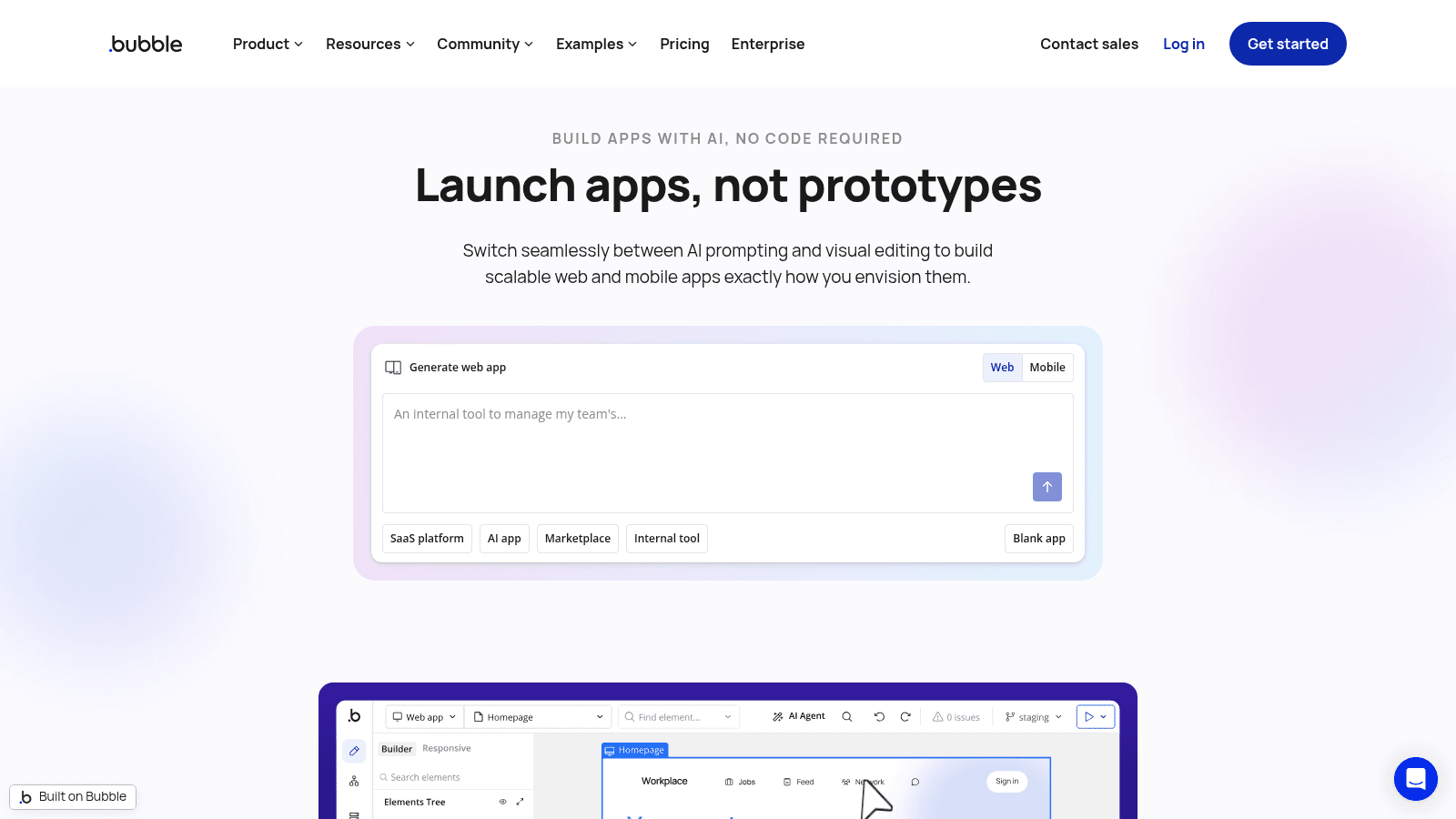
Bubble is the most capable general-purpose builder here, and its current positioning is blunt about the ambition: launch apps, not prototypes, switching between AI prompting and visual editing.
It is the only tool on this list where you can genuinely build a multi-sided web application with complex conditional logic without writing code.
Best for: marketplaces, internal tools and SaaS prototypes with real business logic
Pricing: Free; Starter $59 a month; Growth $209 a month; Team $549 a month, all billed annually. Enterprise is quote-based.
Pros: by far the deepest logic and workflow capability here, a large plugin ecosystem, native mobile publishing now included, an active community that has solved most problems before you
Cons: a steep learning curve that feels like development without the tooling, performance degrades on list-heavy pages, and the workload-unit model makes costs genuinely hard to forecast
The wall it hits: workload units. Each plan includes a monthly allowance, 50,000 on Free, 175,000 on Starter, 250,000 on Growth and 500,000 on Team, and heavy workflows consume them faster than most teams expect. Success on Bubble raises your bill in a way per-seat pricing does not.
Verdict: The right choice when the application logic is the hard part, provided you budget for usage rather than seats.
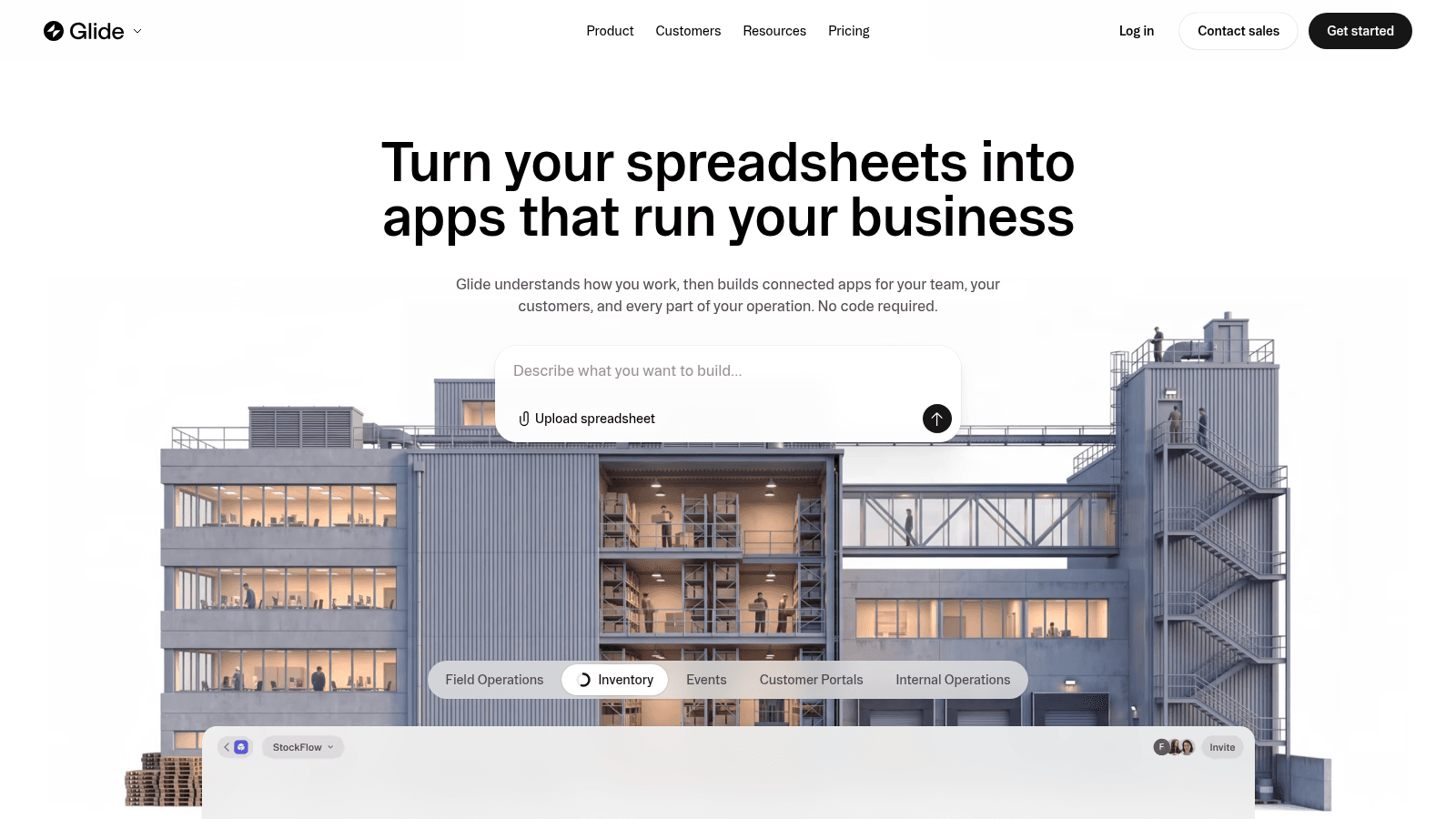
Glide's proposition is the clearest on this list: turn your spreadsheets into apps that run your business, building connected apps from data you already maintain.
That focus makes it the fastest route from an existing spreadsheet process to something with permissions and a usable interface.
Best for: operations teams turning a working spreadsheet into a real internal tool
Pricing: published paid plans at $25 a month and $125 a month, with a free tier for building.
Pros: genuinely quick to a working app, excellent at reading existing data sources, clean default design, AI-assisted building
Cons: the interface is opinionated and hard to push beyond its templates, complex relational logic is awkward, and editor seats add up on larger teams
The wall it hits: data volume and complexity. Glide is superb over a tidy dataset and struggles once the underlying data needs proper relational structure or grows past what a spreadsheet was ever meant to hold.
Verdict: The best first step for a spreadsheet-driven process, and a poor destination for anything that outgrows the spreadsheet.
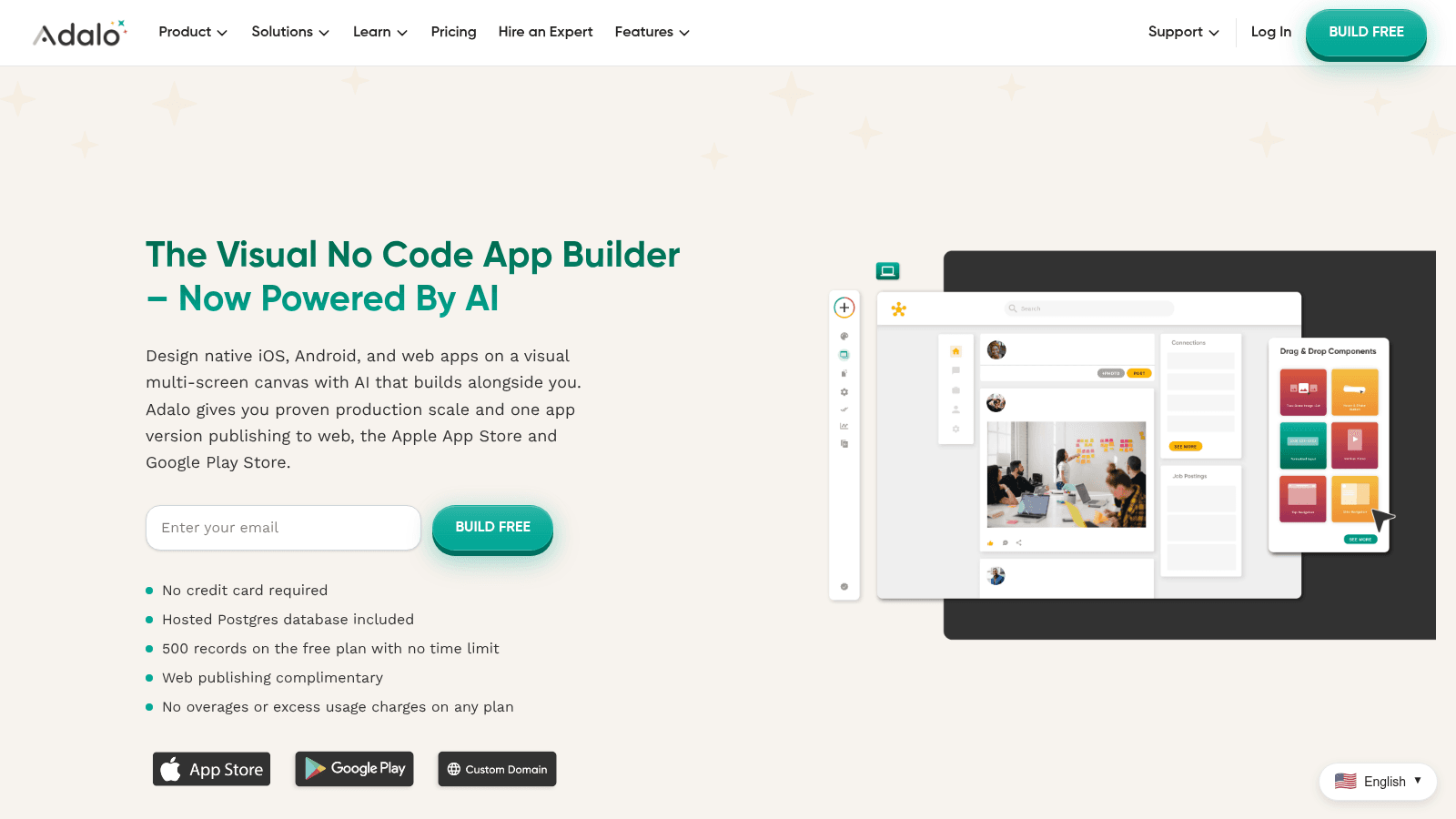
Adalo describes itself as the visual no code app builder now powered by AI, designing native iOS, Android and web apps on a multi-screen canvas.
Its distinguishing commitment is pricing honesty: it advertises no overages or excess usage charges on any plan, which is a direct answer to the usage-metering that makes Bubble hard to forecast.
Best for: getting a native mobile app into both app stores on a small budget
Pricing: free for building and testing with 500 records; app store publishing from $36 a month, with higher tiers at $52 and $160. A hosted Postgres database is included.
Pros: the most affordable credible route to native app store publishing, no usage-based surprises, relational database included, genuinely multi-screen native output
Cons: performance on data-heavy screens is its recurring weakness, the component library is narrower than Bubble's, and native does not mean it will feel like a hand-built app
The wall it hits: performance at data volume. Lists and screens pulling large record sets slow down noticeably, and there is no code layer to optimize with.
Verdict: The cheapest honest path to a published mobile app, so long as the app stays light on data.
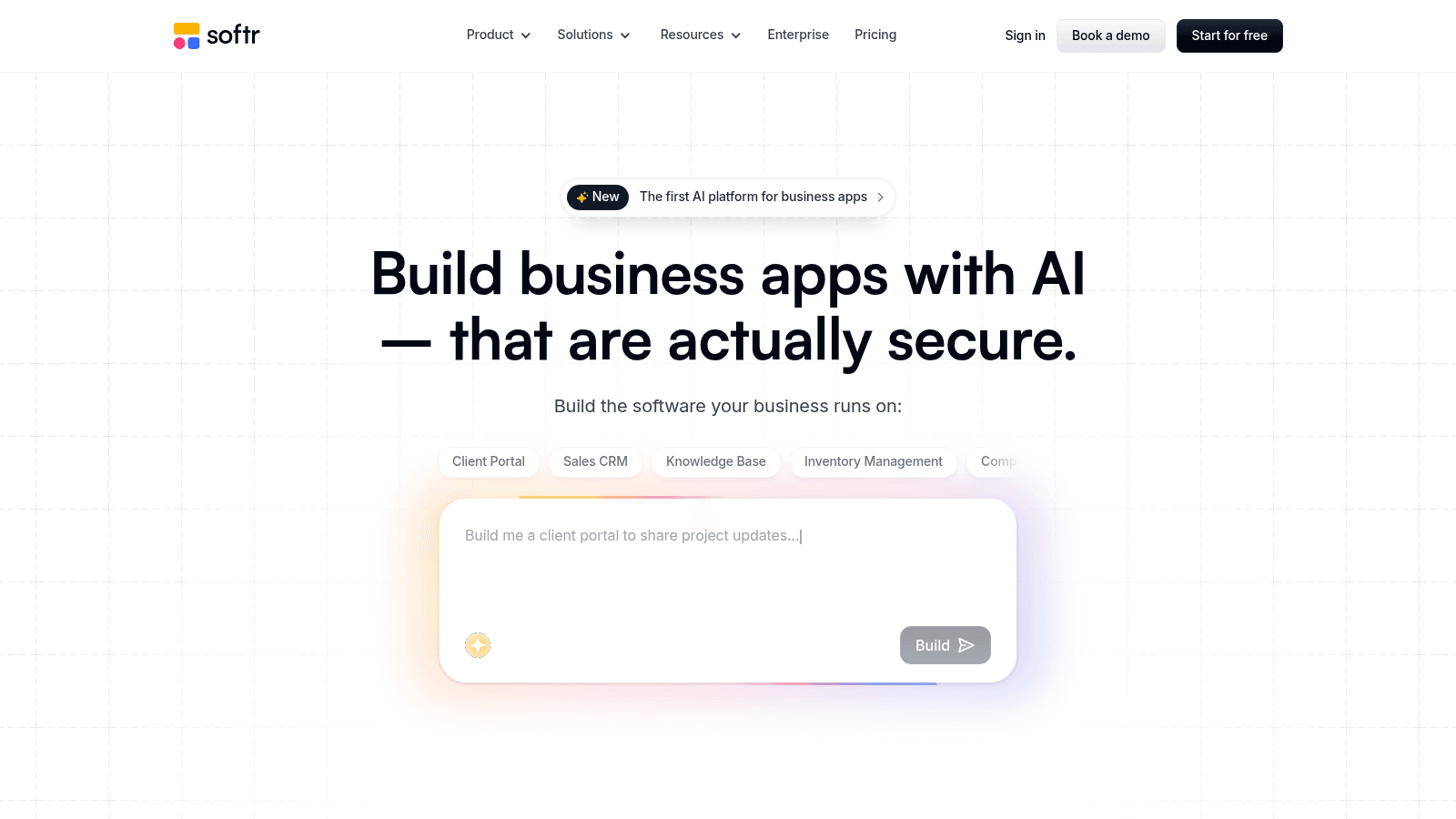
Softr now leads with building business apps with AI that are actually secure, and it is at its best producing client portals and internal tools on top of a database you already have.
Its customer logos are unusually strong for a tool at this price. The homepage row in September 2026 runs Google, Netflix, Stripe, UPS, the NBA, MIT, Clay and Celonis, under a claim of more than a million teams.
Best for: client portals, member areas and internal directories over an existing database
Pricing: Free; Basic $19 a month; Pro $99 a month; Business $329 a month, billed yearly. Enterprise is quote-based.
Pros: exceptionally fast for portal-shaped problems, strong permission and user-visibility controls, wide integration list, generous free tier for evaluation
Cons: removing Softr branding requires the $99 Pro plan, custom code and API connectors are also gated to Pro, and it is a frontend layer rather than a full application platform
The wall it hits: the $99 gate. Two things most production apps need, your own branding and custom code, both sit on Pro, so the real entry price for anything client-facing is $99 rather than $19.
Verdict: Outstanding at portals, and priced honestly only if you plan for Pro rather than Basic.

Airtable is a database first and an app builder second, now positioning around humans and agents working from the same data.
Its Interfaces feature turns a base into something app-shaped, which is enough for a large share of internal tools without any separate builder.
Best for: teams whose data already lives in Airtable and who need an interface over it
Pricing: $20 per seat per month billed annually, or $24 monthly, on its main paid tier, rising to $45 annually and $54 monthly. Portals for external users start at $120 a month for 15 guests, and AI credits start at $20 a month for 10,000.
Pros: the data layer and the app layer are the same thing, excellent collaboration, huge template library, strong automation
Cons: per-seat pricing gets expensive quickly, external users cost extra again through Portals, and Interfaces are far less flexible than a real app builder
The wall it hits: the pricing model. You pay per internal seat and then separately per external guest, so an app with a wide or outside audience becomes expensive faster than on almost anything else here.
Verdict: The obvious choice if you already run on Airtable, and an odd starting point if you do not.
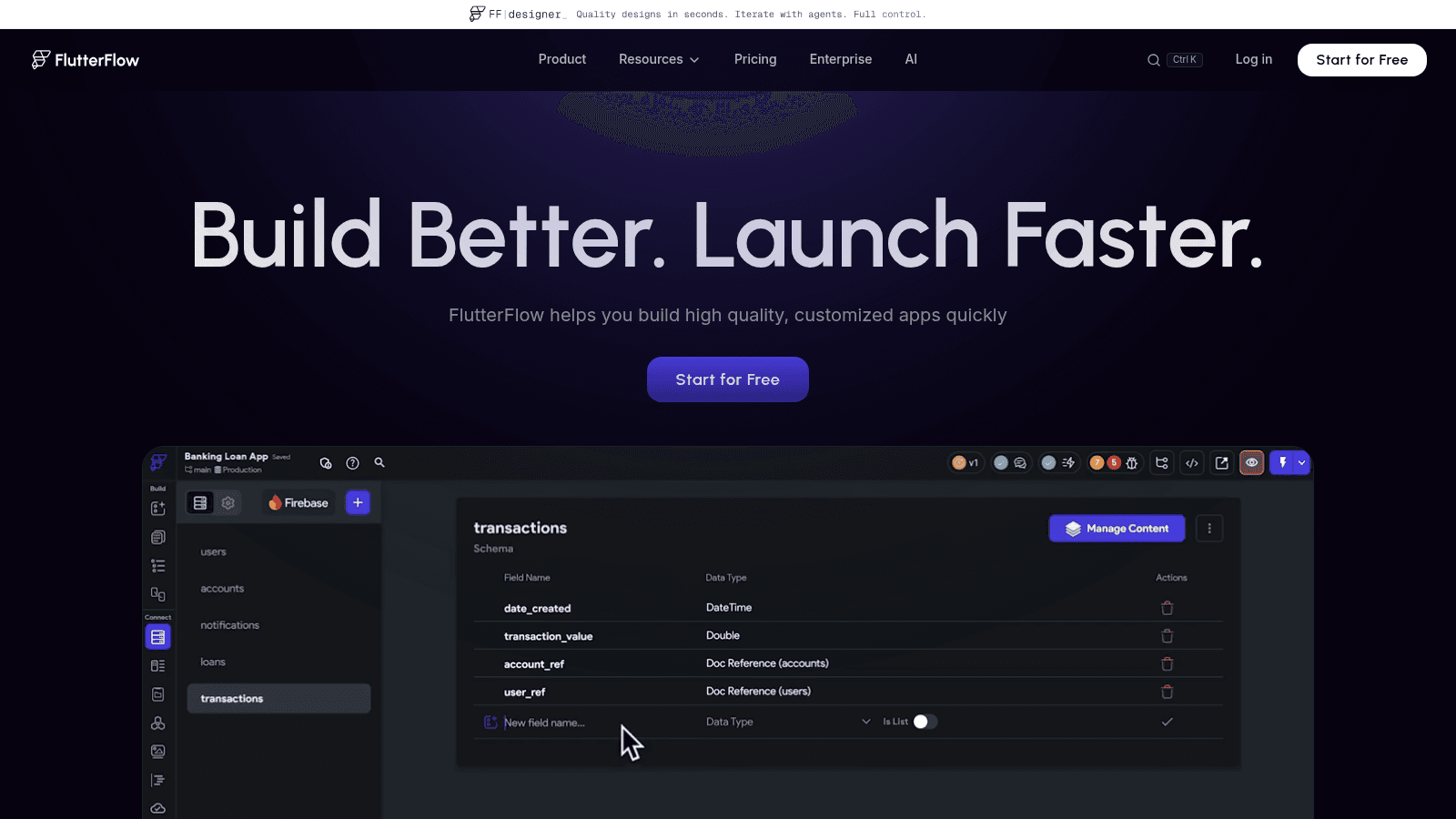
FlutterFlow sits closest to the low-code border, generating real Flutter code you can export, which makes it the one builder here with a genuine exit path.
Its pitch is straightforward: build better, launch faster, with high quality customized apps.
Best for: teams who want visual speed now and the option of real code later
Pricing: Free $0; Basic $39 a month; Growth $80 for the first seat and $55 for the second; Business $150 for the first seat and $85 for seats two to five.
Pros: exports genuine Flutter code, which removes the lock-in that defines this category, strong design control, real native performance, active ecosystem
Cons: you need external databases and services such as Firebase or Supabase, which add cost and complexity, the per-seat structure gets expensive for teams, and it genuinely helps to understand how apps are built
The wall it hits: collaboration cost and required knowledge. It is the least no-code entry on this list, and teams without any technical background hit that before they hit a technical limit.
Verdict: The best choice when you want an exit route, and the wrong one for a non-technical solo builder.
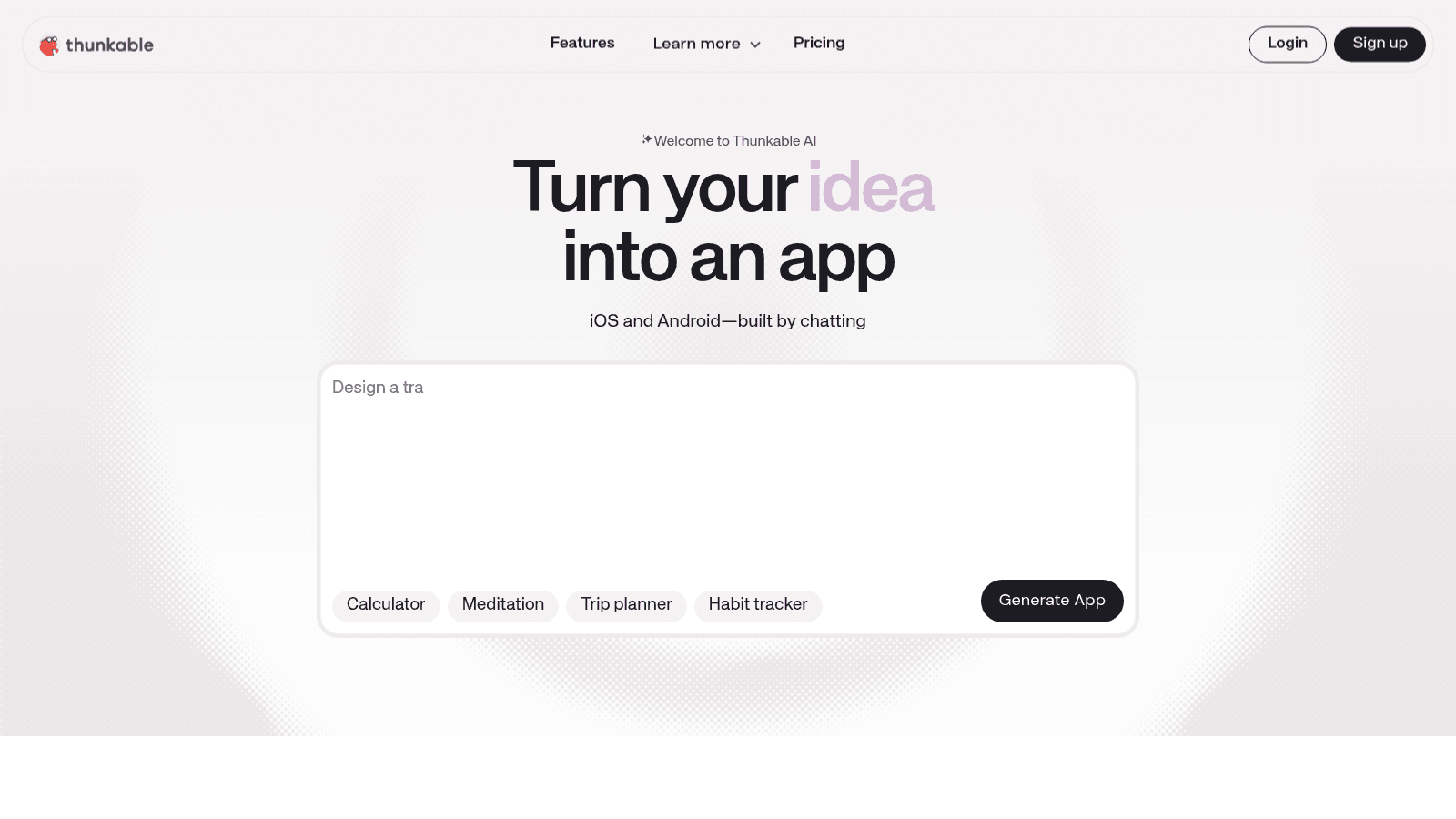
Thunkable now leads with turning an idea into an app by chatting, generating iOS and Android apps from a description.
It has long been one of the more approachable drag-and-drop mobile builders, with a visual logic layer that suits simple, well-defined apps.
Best for: straightforward cross-platform mobile apps and education
Pricing: published plans running from $18 a month at the low end up to $189 a month at the top of its public tiers.
Pros: approachable visual logic, genuine cross-platform output, AI generation lowers the starting effort further, well established in education
Cons: complex logic becomes unwieldy in a visual editor, the integration list is thinner than competitors', and design control is limited
The wall it hits: logic complexity. Visual blocks are excellent for simple flows and become difficult to maintain once branching and state grow, with no code layer to fall back on.
Verdict: A good fit for simple, well-scoped mobile apps, and a poor one for anything with real business rules.
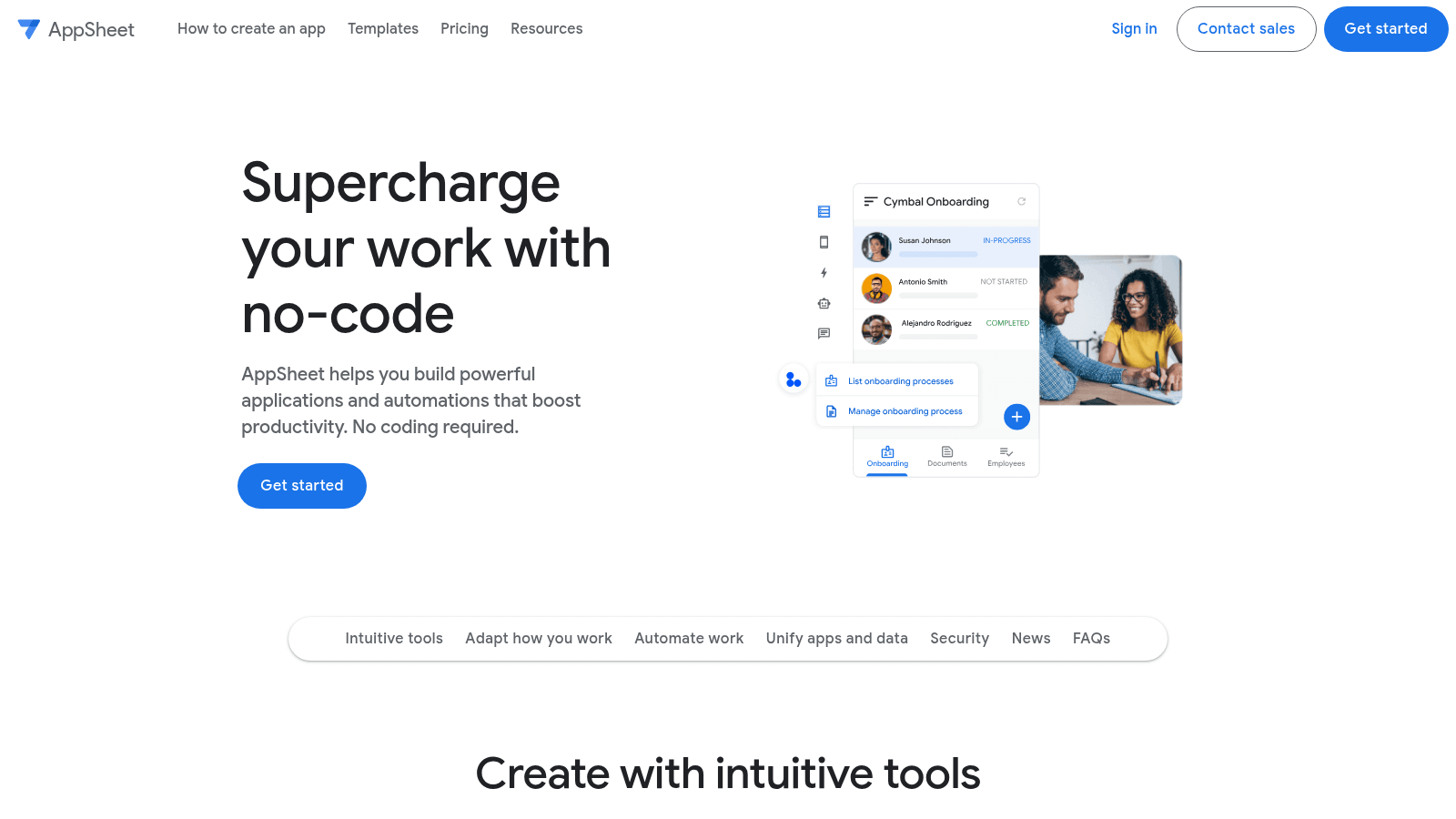
Google's AppSheet promises to supercharge your work with no-code, building applications and automations without coding, and it is the cheapest per-user option on this list.
Its natural home is an organization already running on Google Workspace, where it reads Sheets and Drive data directly.
Best for: operational apps inside a Google Workspace organization
Pricing: Starter $5 per user per month; Core $10 per user per month; Enterprise $20 per user per month. Publisher Pro apps can serve unlimited users at $50 per month per app.
Pros: by far the lowest per-user price here, direct Google Workspace integration, the unlimited-user Publisher Pro option is genuinely cheap for wide rollouts, backed by Google
Cons: the value collapses outside the Google ecosystem, the interface builder is dated next to newer tools, and design control is limited
The wall it hits: the ecosystem boundary. AppSheet is excellent over Google data and progressively less compelling the further your data sits from it.
Verdict: A near-automatic evaluation for Workspace organizations, and rarely worth it otherwise.
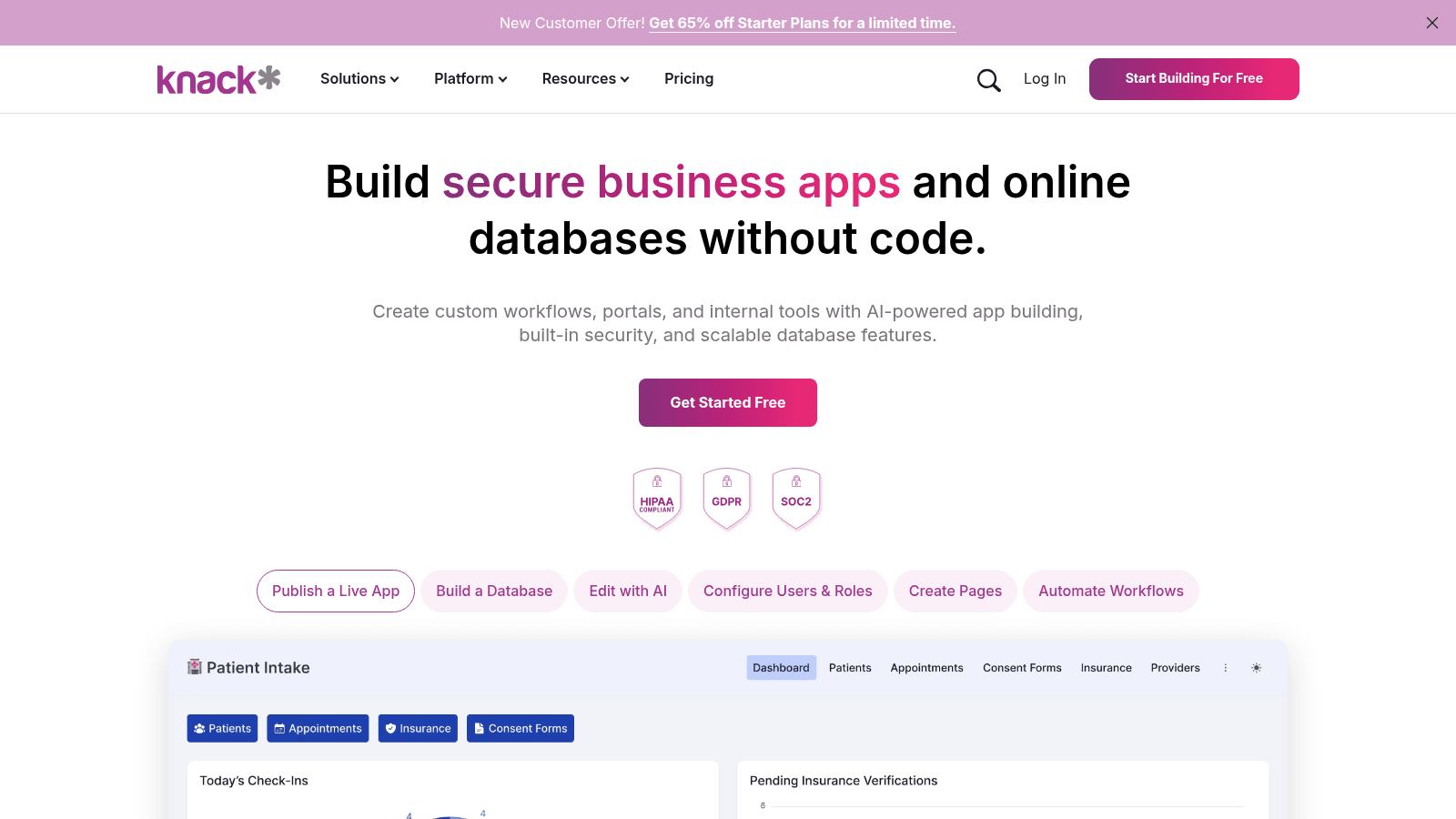
Knack builds secure business apps and online databases without code, and it is the only builder here leading with HIPAA, GDPR and SOC 2 badges on its homepage.
That compliance posture is the reason to shortlist it, because most tools in this category cannot serve regulated data at all.
Best for: database applications handling sensitive or regulated information
Pricing: published plans at $59, $130 and $300 a month, with lower rates shown for annual commitments.
Pros: compliance certifications rare at this price, strong relational database modeling, granular user roles, long track record
Cons: the interface layer is less polished than newer builders, design customization is limited without CSS work, and the entry price is high relative to the category
The wall it hits: interface flexibility. The data modeling holds up well past where competitors fail; the front end is where teams run out of room, and there is no full code layer to fix it.
Verdict: The right answer when compliance is non-negotiable, and overkill when it is not.
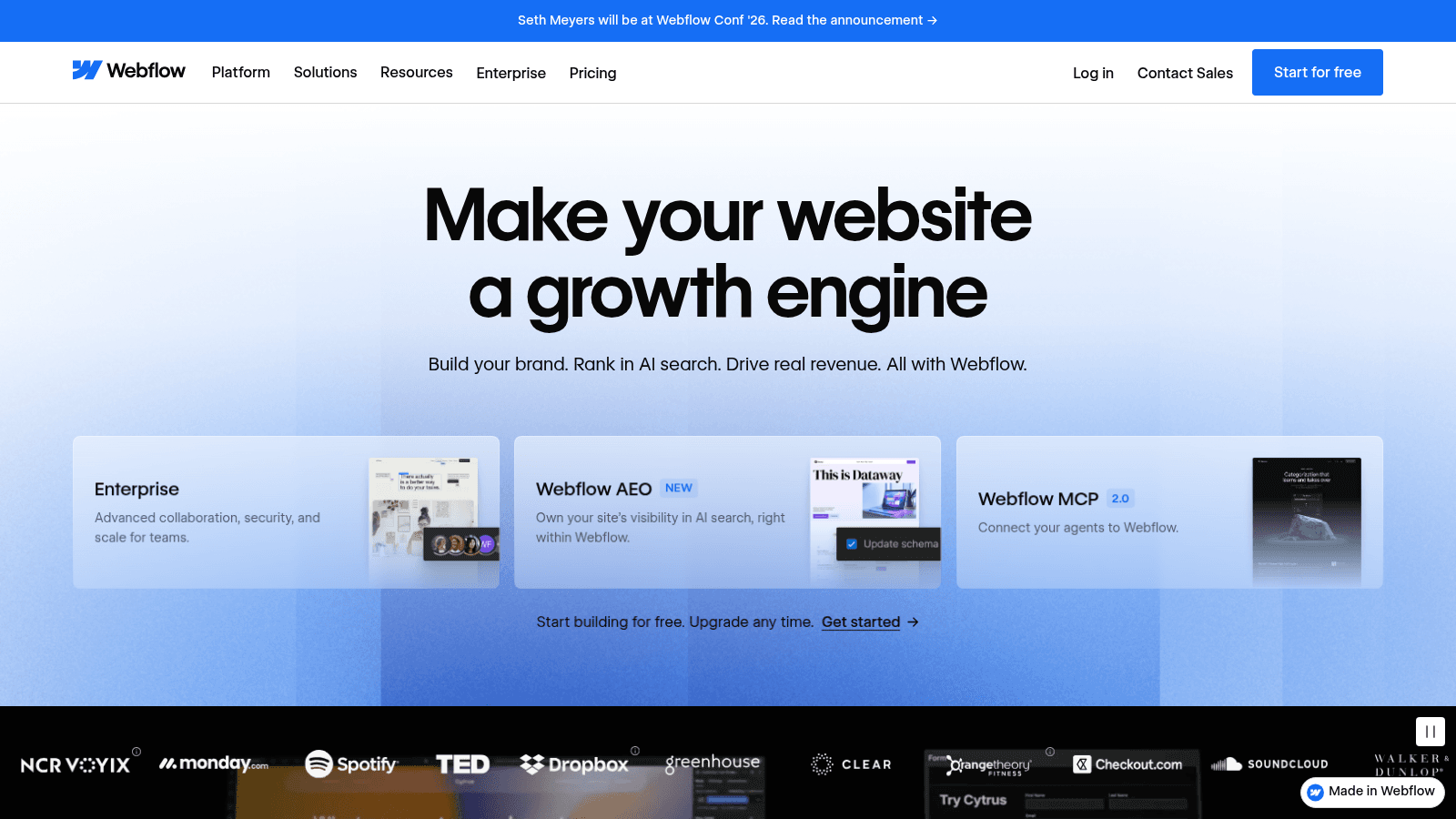
Webflow belongs on this list because so many teams try to build applications in it, but its own positioning is honest about what it is: make your website a growth engine.
It is the strongest visual web design tool in existence and only incidentally an app builder.
Best for: marketing sites and content-driven sites with light interactive logic
Pricing: Starter is free with two static pages and a webflow.io domain; Basic $15 a month adds a custom domain and 300 static pages; Premium $25 a month adds the CMS; Team is $2,500 a month on an annual contract.
Pros: unmatched visual design control, excellent CMS for content sites, clean hosting and publishing, huge template ecosystem
Cons: it is not an application platform and lacks a real user database, the free tier's two-page limit rules out almost any real use, and the jump from Premium to Team is a hundredfold price increase
The wall it hits: the category itself. Webflow will not give you authenticated users, records and business logic, so teams building an app here end up bolting on third-party services until the seams show.
Verdict: The best tool here for a website, and the wrong tool for an application.
Prices here come straight from each vendor in August 2026, and we captured every homepage as well, which mattered more than usual this year because most of these no code ai tools repositioned around prompt-based generation in the last twelve months.
Verifying directly also matters because prices in this category move faster than the articles describing them. Bubble's Starter plan is $59 a month billed annually on Bubble's own page. A figure lifted from a roundup written a year earlier can be out by tens of dollars without looking wrong, so nothing here came from another roundup.
We also excluded tools that are really low-code platforms for IT departments rather than builders a non-developer can ship with. That line is the reason Google's AppSheet appears here while Microsoft's Power Apps does not, and it is a real distinction rather than an oversight.
Webflow is the one entry that stretches the category, included because so many teams try to build applications in it. Our own view of where it genuinely excels is set out in a separate CMS comparison, and that view is about websites, not apps.
Sticker prices in this category cluster tightly and total costs do not, because the pricing model differs more than the rate.
| Pricing model | Builders | What it means for you |
|---|---|---|
| Usage metered | Bubble | Cost rises with app activity, hardest to forecast |
| Per seat | Airtable, FlutterFlow, Glide | Cost rises with team size, predictable but steep |
| Per user | AppSheet | Cheapest per head, and it scales with your whole audience |
| Flat plan | Adalo, Softr, Thunkable, Knack, Webflow | Predictable monthly cost, with features gated by tier |
One thing the table does not capture is that several of these double as no code automation tools, running scheduled jobs and triggered workflows, and those runs are metered separately on most plans.
Two extra costs get missed almost universally. Publishing to the app stores requires an Apple Developer account at $99 a year and a Google Play account at $25 one-time, and several builders here need an external database such as Firebase or Supabase, which is a separate bill and a separate thing to administer. Both belong in the estimate before you start, alongside the other considerations before building.
Building the app is not the same as shipping it, and this is where no-code projects most often stall in a way nobody warned them about.
Apple's App Store Review Guidelines set a minimum functionality bar in Guideline 4.2. In Apple's own words, an app "should include features, content, and UI that elevate it beyond a repackaged website," and if it is "not particularly useful, unique, or app-like, it doesn't belong on the App Store." Guideline 4.2.2 adds that apps should not primarily be marketing materials, web clippings, content aggregators or a collection of links.
That is an accurate description of a fast no-code build wrapping existing web content, which is why rejections here are common rather than unlucky. Google applies comparable standards through its Play Spam, Functionality, and User Experience policy, noting that app quality directly affects store quality.
The practical response is to make sure the app does something a website could not before you submit it: offline behavior, device features, notifications, or a genuinely app-shaped workflow. Getting the first-run experience right matters here too, since new-user flow is both a review consideration and the thing that decides whether anyone stays.
Hitting a limit usually means the app worked. Something nobody was sure about turned out to be worth using, and the tool that proved it is not the tool that scales it.
The cheapest response is almost never a full rebuild. Replace the piece that broke: move the heavy data out to a proper database while the interface stays put, or put a small custom service behind the one integration the builder cannot handle. Most teams reach for a rewrite when a targeted swap would buy another two years.
When a real rebuild is warranted, the no-code version is the most valuable specification you will ever have, because real users have already validated it. ProduceDesk went that route with us, a subscription logistics platform written up at ProduceDesk, where the outcome was new revenue streams the earlier setup could not support.
Pick by the wall, not the demo. If the hard part is business logic, start at Bubble and budget for workload units. If it is a spreadsheet process, start at Glide. If it must reach the app stores cheaply, Adalo. If compliance is in scope, Knack. If you might need real code later, FlutterFlow is the only one here that exports it.
Then decide, honestly, whether you are validating or building. Validation is what these tools are unambiguously best at, and the right move is often to prove the idea in no-code and plan the real build from what you learn, rather than discovering the ceiling with paying customers on the other side of it. Our resource library has more on working through that decision.
Glide and Adalo are the two most approachable. Glide is fastest if your data already sits in a spreadsheet, and Adalo is the simplest credible route to a native app in both stores, publishing from $36 a month.
Bubble is more capable than either and considerably harder. It is the closest thing here to no code programming software, which is exactly why starting there because it is powerful is the most common way beginners stall.
Entry prices in this comparison run from $5 per user per month for AppSheet to $59 a month for Bubble's first paid tier, with Knack's published plans starting at $59 and Webflow's Team plan reaching $2,500.
Budget beyond the subscription. App store publishing needs an Apple Developer account at $99 a year and a Google Play account at $25 one-time, and several builders require an external database that bills separately.
Yes, and several builders here publish natively, but approval is not automatic. Apple's Guideline 4.2 requires an app to go beyond a repackaged website and to be genuinely useful and app-like, which is precisely where quick no-code builds get rejected.
Give the app a reason to be an app before submitting: device features, offline behavior, notifications, or a workflow that a browser tab handles badly.
When you hit one of the walls named above: metered usage costs that outrun the value, data volumes the tool cannot serve quickly, logic the visual editor cannot express cleanly, or a pricing model that punishes the audience you now have.
Even then, replace the failing piece rather than the whole application. A targeted swap is usually a fraction of a rebuild and buys years.
For internal tools over non-sensitive data, generally yes, and the established vendors run serious infrastructure. The risk is rarely the platform itself.
It is what gets built on it without review. Knack is the only builder here leading with HIPAA, GDPR and SOC 2 compliance, so anything touching regulated data should start there or not use no code enterprise software at all.
Most teams that hit one of these walls assume the whole application has to be rebuilt, and most of the time it does not. Working out which one you are looking at takes a read of what the app does now and where the cost is actually landing.
Contact us and we will tell you which it is.