Blog

Key takeaways:
Low-code platforms do something genuinely valuable: they let a team ship an internal application in weeks that would otherwise wait a year for engineering capacity that never arrives.
They also have limits, and the vendors are not going to tell you where those limits sit. So this list of the best low code platforms does two jobs. It compares ten low code platforms on verified pricing and real capability, and it names the four walls teams actually hit, so you can pick one knowing which wall is in your future.
We are VAULT, a Chicago product firm, and we get called when a team has hit one of those walls. That gives us an unusual vantage point on what these tools do well and where they stop.
Low-code development platforms let you build most of an application visually, then drop into real code for the parts the visual layer cannot express. That last clause is the whole distinction.
No-code platforms remove the escape hatch entirely. Everything happens in the builder, which is liberating until you need something the builder does not offer, at which point you are stuck. Low-code platforms keep a way out: custom JavaScript, a REST API call, a database function, a plugin you write yourself.
The practical consequence is who owns the tool. No-code belongs to the business user. Low code development platforms sit between the business and IT, which is why every option below ships governance features, environment separation and audit logs that no-code tools mostly skip.
That shared ownership is also why a rollout without a named technical owner tends to drift, and why some organizations bring in a fractional CTO before the platform decision rather than after it.
This low code platforms comparison covers entry pricing and the buyer each one is actually built for. Read the pricing column carefully, because two of these low code app development platforms publish nothing at all, and a tool you cannot price is a tool you cannot plan a roadmap around.
| Platform | Best for | Entry pricing (verified 2026-09-17) | Pricing model |
|---|---|---|---|
| Microsoft Power Apps | Organizations already on Microsoft 365 | $20 per user/month, annual | Per user, per month |
| Mendix | Large multi-team application portfolios | Free tier; Standard from $1,090/month | Platform fee plus per user, per app |
| Appian | Regulated process automation at scale | Not published | Per user, per month, per app |
| ServiceNow | Extending an existing ServiceNow estate | Not published | Quote only |
| Quickbase | Operations teams outgrowing spreadsheets | Team from $35 per user/month, annual | Per user, plus a platform minimum |
| Retool | Engineers building internal tools fast | Free tier; builders from $10/month, annual | Per user type |
| Zoho Creator | Small and mid-size budgets | Standard $8 per user/month, annual | Per user, per month |
| Salesforce Platform | Teams building on Salesforce data | Platform Starter $25 per user/month, annual | Per user, per month |
| Budibase | Self-hosting and open-source control | Cloud from $19/month, plus $5 per end user and $50 per extra creator | Plan fee plus per-user add-ons |
| Caspio | Unlimited-user internal apps | From $300/month, or $270 billed annually | Flat platform fee, users included |
Two patterns are worth naming before the entries. The enterprise tier does not publish prices, and the platforms that charge a flat fee rather than per seat become dramatically cheaper as your user count grows.
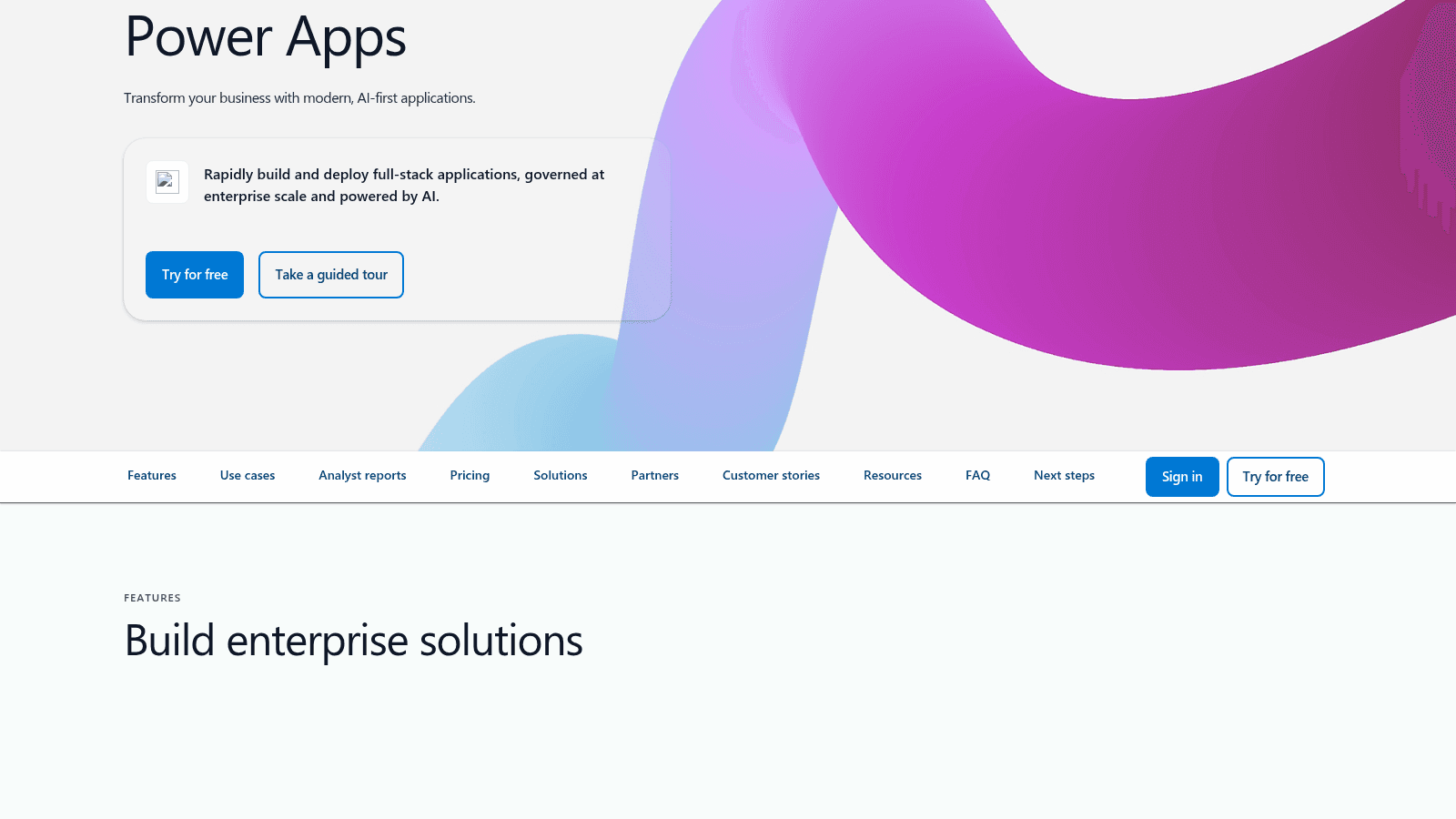
Power Apps is the default choice for any organization already paying for Microsoft 365, and its own page now positions it as building full-stack applications governed at enterprise scale and powered by AI.
Its real advantage is Dataverse and the connector library, which means your app can reach SharePoint, Dynamics, SQL Server and several hundred other systems without custom integration work.
Key strengths: deep Microsoft integration, Dataverse as a governed data layer, mature environment and ALM tooling, Copilot-assisted building
Pricing: $20 per user per month on the Premium plan billed yearly, dropping to $12 per user per month with a 2,000-seat minimum. Pay-as-you-go and storage add-ons are priced separately.
Pros: unbeatable if your data already lives in Microsoft systems, genuine enterprise governance, huge connector library, licensing that gets cheaper at scale
Cons: licensing is genuinely hard to model before you commit, performance degrades on large Dataverse queries in ways that are difficult to predict, and the platform assumes Microsoft everywhere, so a non-Microsoft data estate loses most of the advantage
Where teams outgrow it: complex relational data models and high-volume queries, where Dataverse limits start shaping the application design rather than the other way round.
Final verdict: The obvious first evaluation for a Microsoft shop, and rarely the right answer outside one.
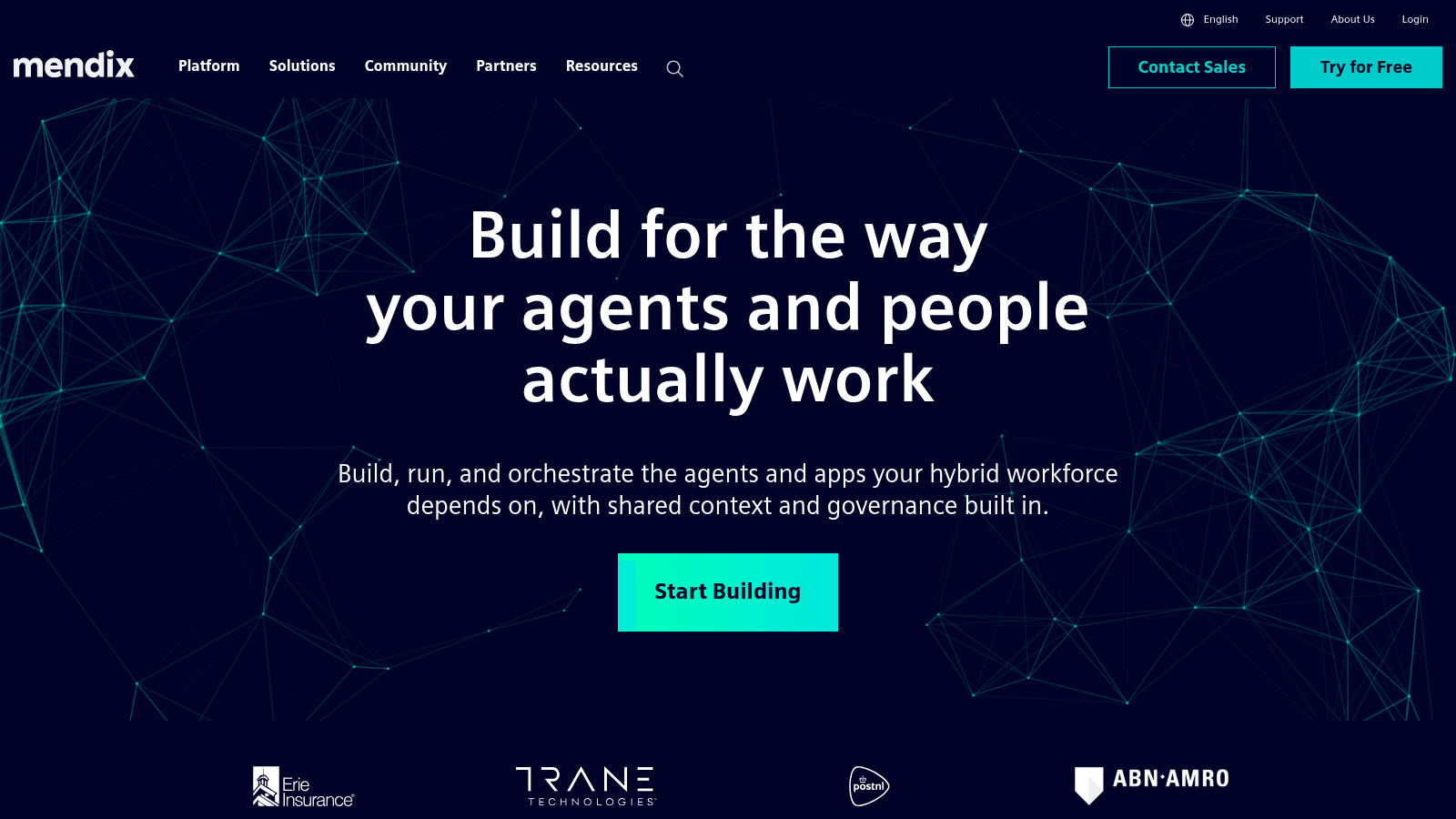
Mendix, owned by Siemens, targets organizations running a portfolio of applications rather than a single app, and now leads with orchestrating agents and people on one platform. Its customer logos include Erie Insurance, Trane Technologies, PostNL and ABN AMRO.
It is one of the few platforms here with a genuine free tier alongside enterprise pricing, which makes evaluation cheap even though production is not.
Key strengths: model-driven development with real version control, strong multi-team collaboration, on-premises and cloud deployment, established enterprise track record
Pricing: a free tier at $0. Standard starts at $1,090 per month for one app plus $13.50 per user, per app, per month, or $2,725 per month for unlimited apps plus $34 per user, per app, per month. Premium is quote-only.
Pros: built for portfolios rather than single apps, mature governance and ALM, deployment flexibility including on-premises, free tier makes evaluation genuinely free
Cons: the platform fee plus per-user-per-app structure gets expensive and complicated fast, it carries a real learning curve that is closer to development than configuration, and at this price point you are committing to it as a strategic platform rather than trying it
Where teams outgrow it: rarely on capability, usually on cost and the specialist skills the platform requires, which start to look like the engineering team you were avoiding hiring.
Final verdict: A serious enterprise platform for organizations planning dozens of applications, and heavy overkill for one internal tool.
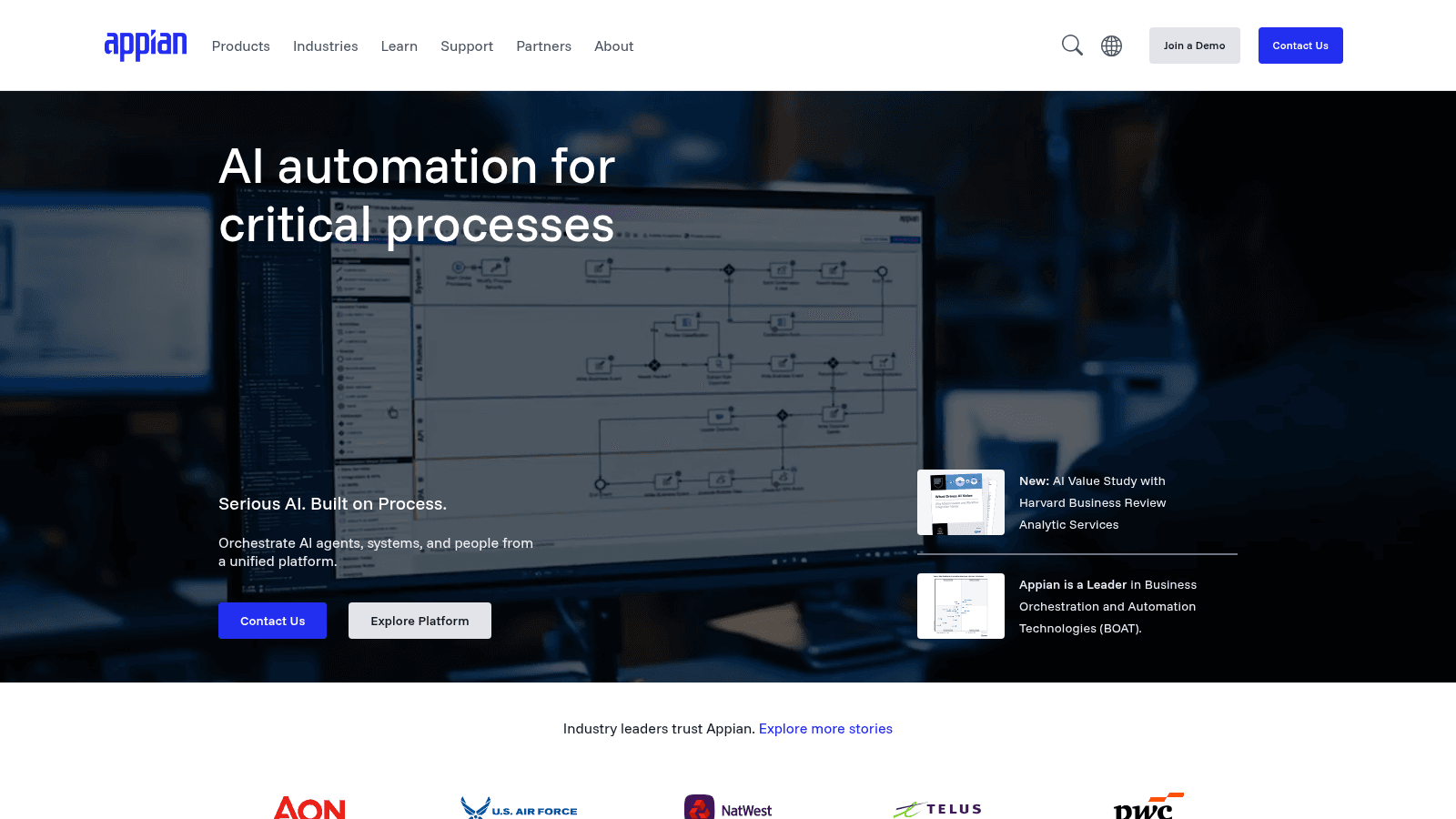
Appian is process automation first and application building second, positioning itself around AI automation for critical processes. Its client list includes Aon, the U.S. Air Force, NatWest, Telus and PwC.
Its pricing page is unusually informative despite publishing no prices, because it states the technical limits of each tier openly.
Key strengths: best-in-class process modeling, data fabric across multiple sources, strong regulated-industry track record, transparent capability tiers
Pricing: Standard, Advanced and Premium tiers, priced per user, per month, per app. No dollar figures are published; you contact sales.
Pros: genuine depth in complex process automation, published capability limits let you size before you talk to sales, credibility in defense and financial services
Cons: no published pricing at all, the Standard tier is capped at a single data source and 4 million rows per record type, and process-centric modeling is a poor fit if your application is not fundamentally a workflow
Where teams outgrow it: the tier boundaries are explicit, so you outgrow Standard at 4 million rows per record type and Advanced at 20 million, which is unusually easy to plan for.
Final verdict: Strong when the application is a regulated process, and a mismatch when it is a data-heavy product with light workflow.
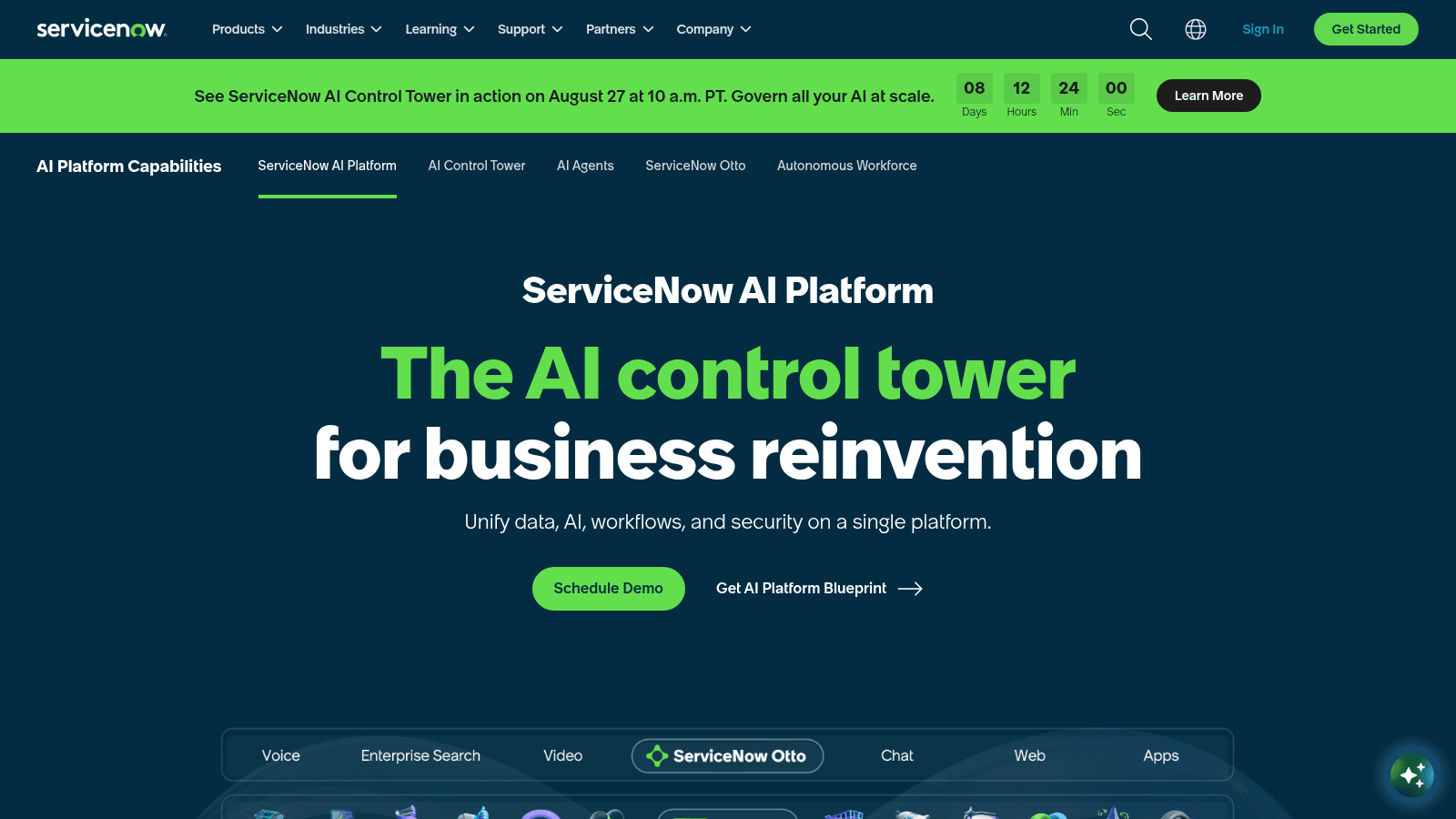
ServiceNow's App Engine is the low-code layer on the wider ServiceNow platform, which the company now markets as an AI control tower for business reinvention.
Its case for consideration is narrow and strong: if your organization already runs ServiceNow for IT service management, building adjacent applications on the same platform inherits your existing data, identity and workflow.
Key strengths: deep reuse of existing ServiceNow data and workflow, enterprise identity and governance built in, mature approval and audit capability
Pricing: not published. ServiceNow is quote-only, and pricing generally sits at the enterprise end.
Pros: unmatched if you already own ServiceNow, serious governance and compliance capability, one platform for service management and custom apps
Cons: the price is invisible until you are in a sales process, it makes little sense as a standalone purchase for app building alone, and it carries the heaviest platform lock-in on this list
Where teams outgrow it: almost never on capability, and frequently on cost, since expanding usage inside a ServiceNow contract is rarely a small line item.
Final verdict: A logical extension for existing ServiceNow customers, and hard to justify for anyone else.
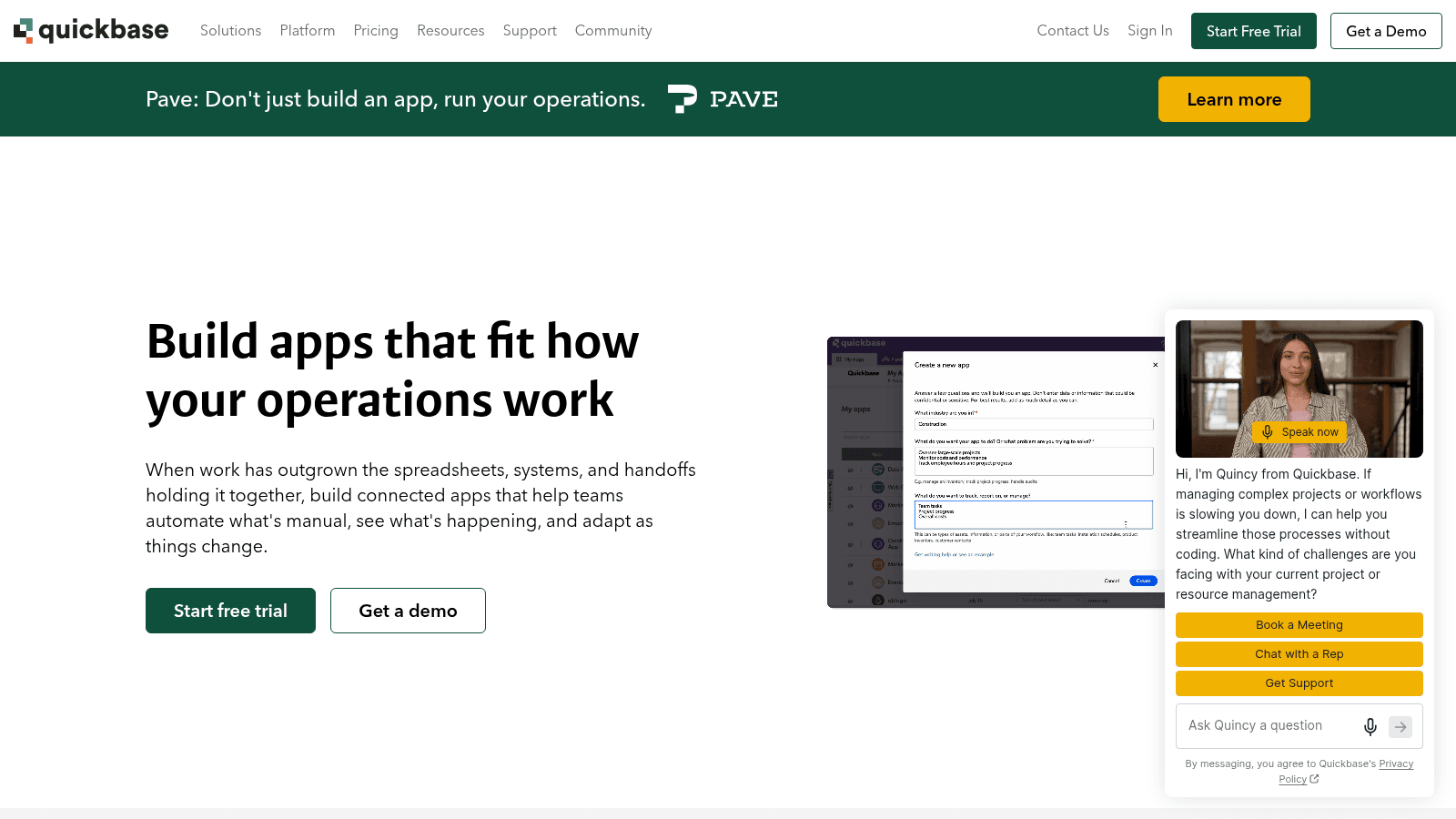
Quickbase aims squarely at operations teams, and its own hero copy says it plainly: build connected apps for when work has outgrown the spreadsheets, systems and handoffs holding it together.
That framing is accurate. Quickbase is at its best replacing a sprawling spreadsheet process with something that has permissions, an audit trail and reporting.
Key strengths: fast relational app building, strong reporting, workflow automation, HIPAA and FDA compliance options on higher tiers
Pricing: Team starts at $35 per user per month and Business at $55 per user per month, both priced annually. A 30-day free trial is available. Note the footnote on the pricing page: the per-user cost does not include the platform minimum.
Pros: genuinely quick to build operational apps, good reporting out of the box, compliance features available, clear tier structure
Cons: the platform minimum sits on top of per-user pricing and is not shown, per-user costs escalate sharply with a wide user base, and it is a weaker fit for customer-facing applications than internal ones
Where teams outgrow it: user count. At 200 operations staff the per-user model plus platform minimum starts competing with a custom build on total cost.
Final verdict: An excellent spreadsheet replacement for operations, and an expensive way to serve a large user base.
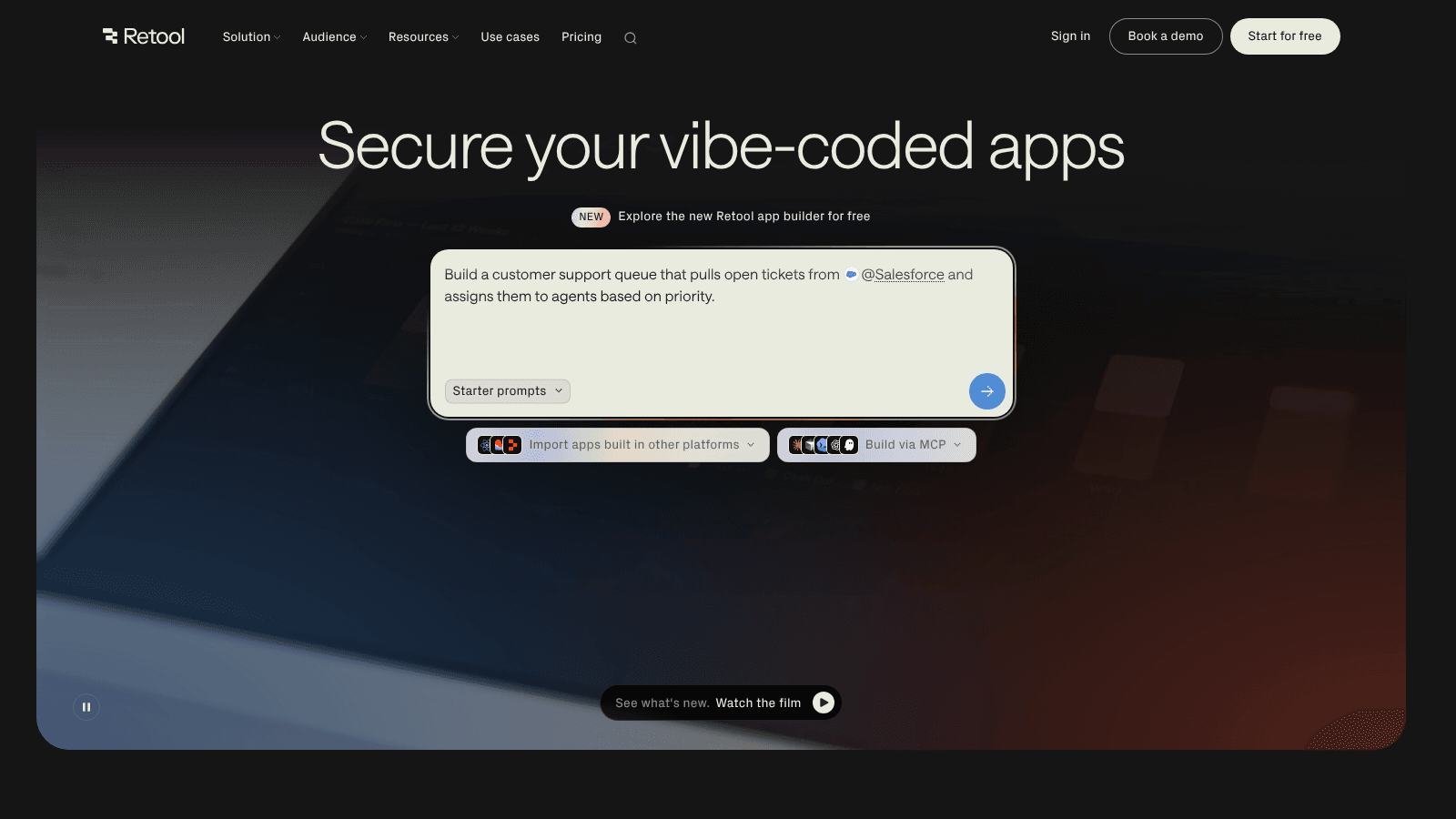
Retool is the platform on this list built for engineers rather than business users, and in 2026 it leads with securing vibe-coded apps, pitching itself as governance for software that AI helped write.
It assumes you can write SQL and JavaScript, and rewards that assumption with far more control than the business-user platforms offer.
Key strengths: direct database and API connectivity, real code wherever you want it, self-hosting available, strong permissions and audit controls
Pricing: a free tier exists. Builder users run from $10 per month, internal users from $5 to $15 per month, and external users are free up to 50 then priced in bands from $8 down to $4 per month as volume grows. Those are annual-billing rates; paying monthly raises each one, to $12 per builder on the Team plan.
Pros: the least restrictive platform here for a technical team, external-user pricing scales down sensibly, self-hosting available, credits and usage clearly published
Cons: it genuinely requires engineers, so it does not solve the capacity problem business-user platforms address, the per-user-type pricing structure takes real effort to model, and its AI credit system adds another variable to forecast
Where teams outgrow it: less often than the others, because the escape hatch is so wide. When it happens it is usually because the internal tool became a customer-facing product.
Final verdict: The right pick when you have engineers and want them to move faster, and the wrong pick when you are trying to build without them.
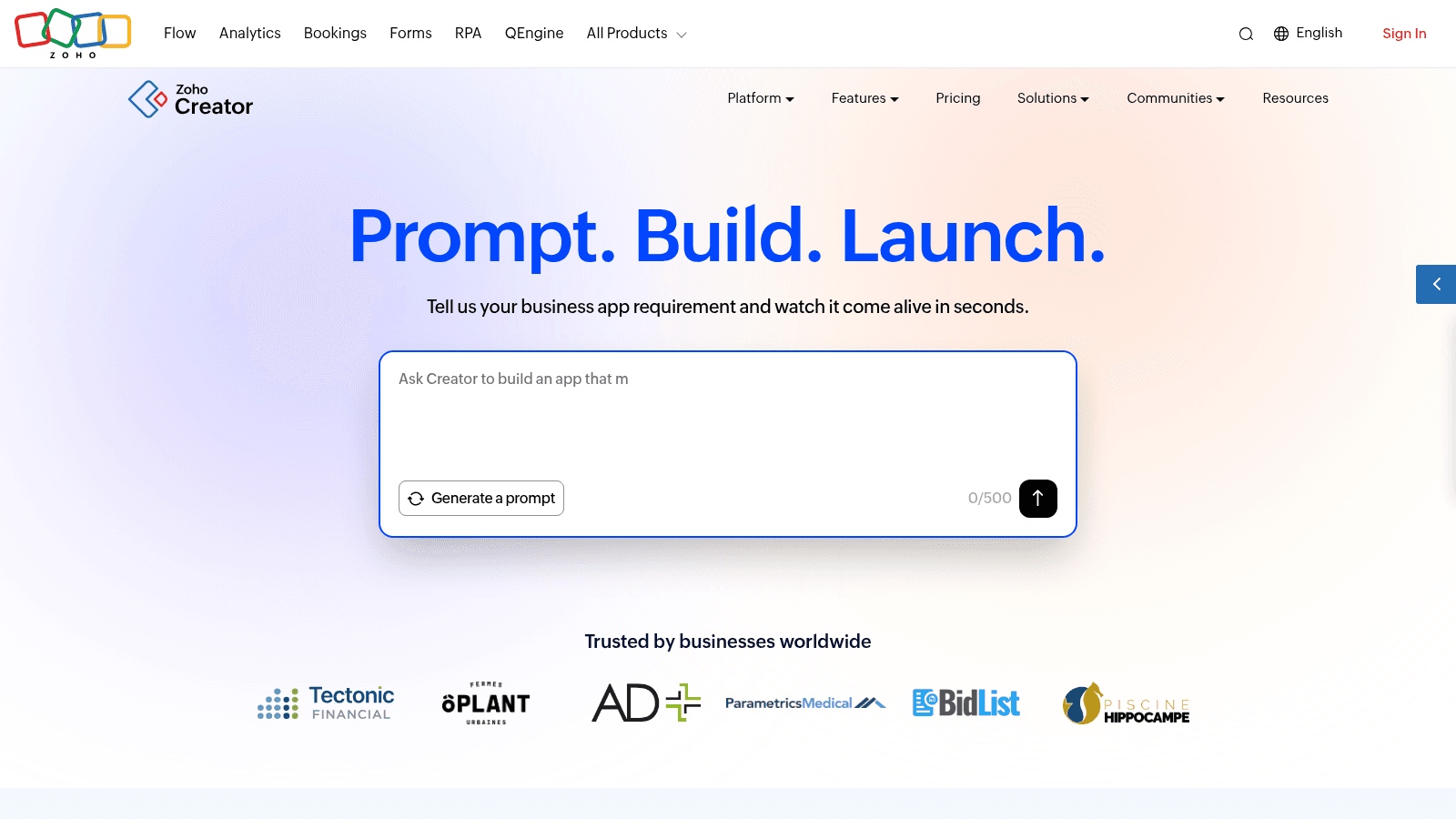
Zoho Creator now leads with prompt-based building, inviting you to describe a business app and watch it appear, and it is the cheapest paid seat on this list that can actually build apps.
It benefits from the wider Zoho suite, so an app can reach Zoho CRM, Books and Desk data without integration work.
Key strengths: AI-assisted app generation, tight integration with the Zoho suite, mobile apps included, low per-user cost
Pricing: Standard at $8, Professional at $20 and Enterprise at $25 per user per month, all billed annually.
Pros: the lowest paid entry price here, genuinely capable for the money, strong mobile support, no minimum seat commitments
Cons: the ecosystem advantage disappears entirely if you are not a Zoho shop, the platform is less proven on large complex applications than the enterprise names above, and support quality is a recurring theme in public reviews
Where teams outgrow it: application complexity rather than user count. Deeply relational data models and heavy custom logic are where it starts to strain.
Final verdict: The best value on this list for small and mid-size teams, especially existing Zoho customers.
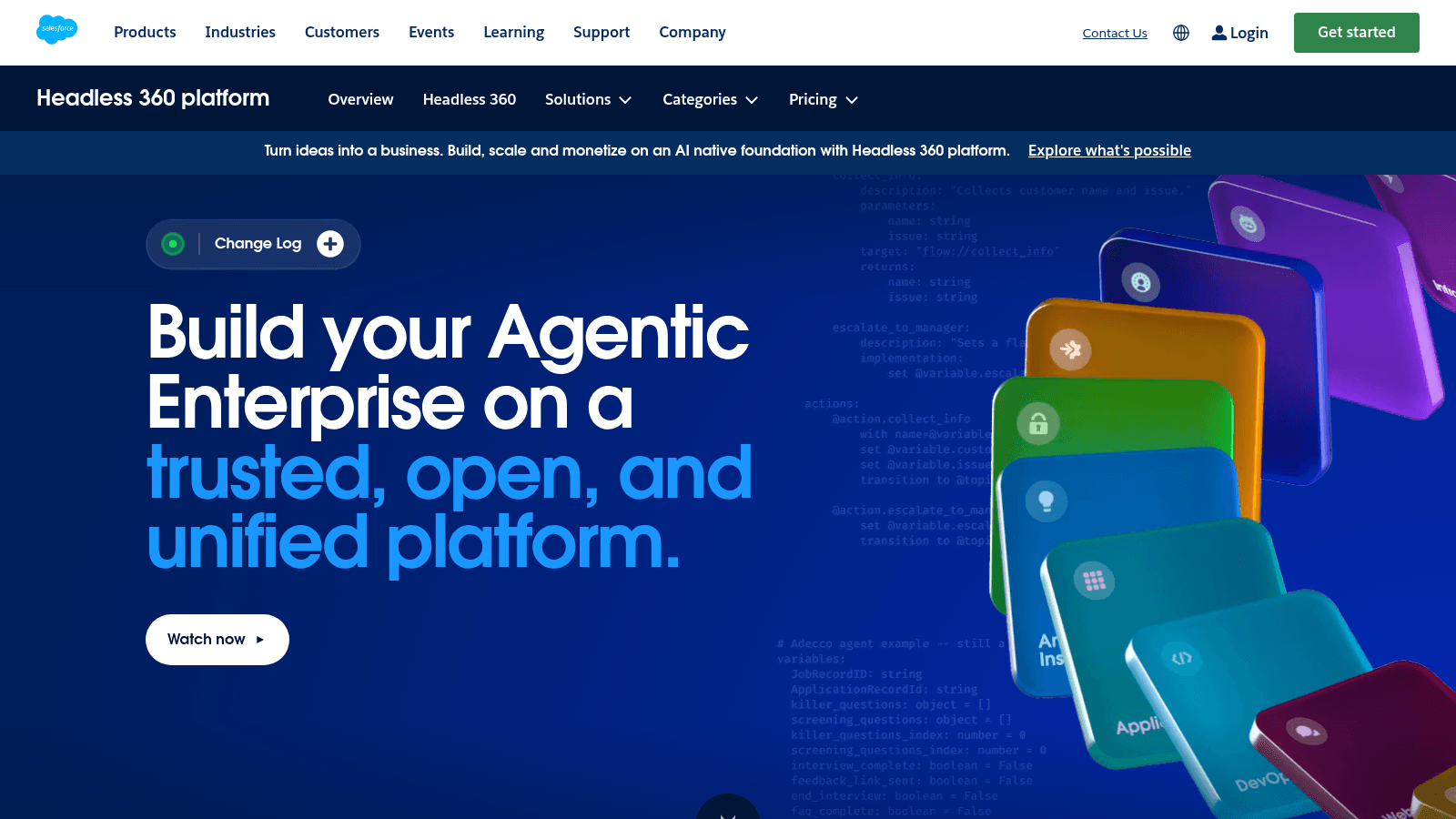
Salesforce's platform product, now marketed as Headless 360, exists to let you build applications on top of Salesforce data without buying full CRM licenses for everyone who uses them.
That is the entire value proposition, and it is a good one if your operational data already lives in Salesforce.
Key strengths: direct access to Salesforce objects and permissions, enterprise identity and sharing model, large AppExchange ecosystem, established developer tooling
Pricing: Platform Starter at $25 per user per month and Platform Plus at $100 per user per month, both billed annually, with login-based credit packs priced at $1,000 per 10,000 credits.
Pros: the cheapest legitimate route to building on Salesforce data, mature security and sharing model, enormous ecosystem
Cons: it only makes sense if you are already a Salesforce customer, the jump from Starter to Plus is a fourfold price increase, and platform licenses carry object and feature limits that are easy to trip over mid-build
Where teams outgrow it: the license boundary. Applications tend to grow into features that require full CRM licenses, and the economics change abruptly when they do.
Final verdict: A sensible extension for Salesforce customers, and irrelevant otherwise.
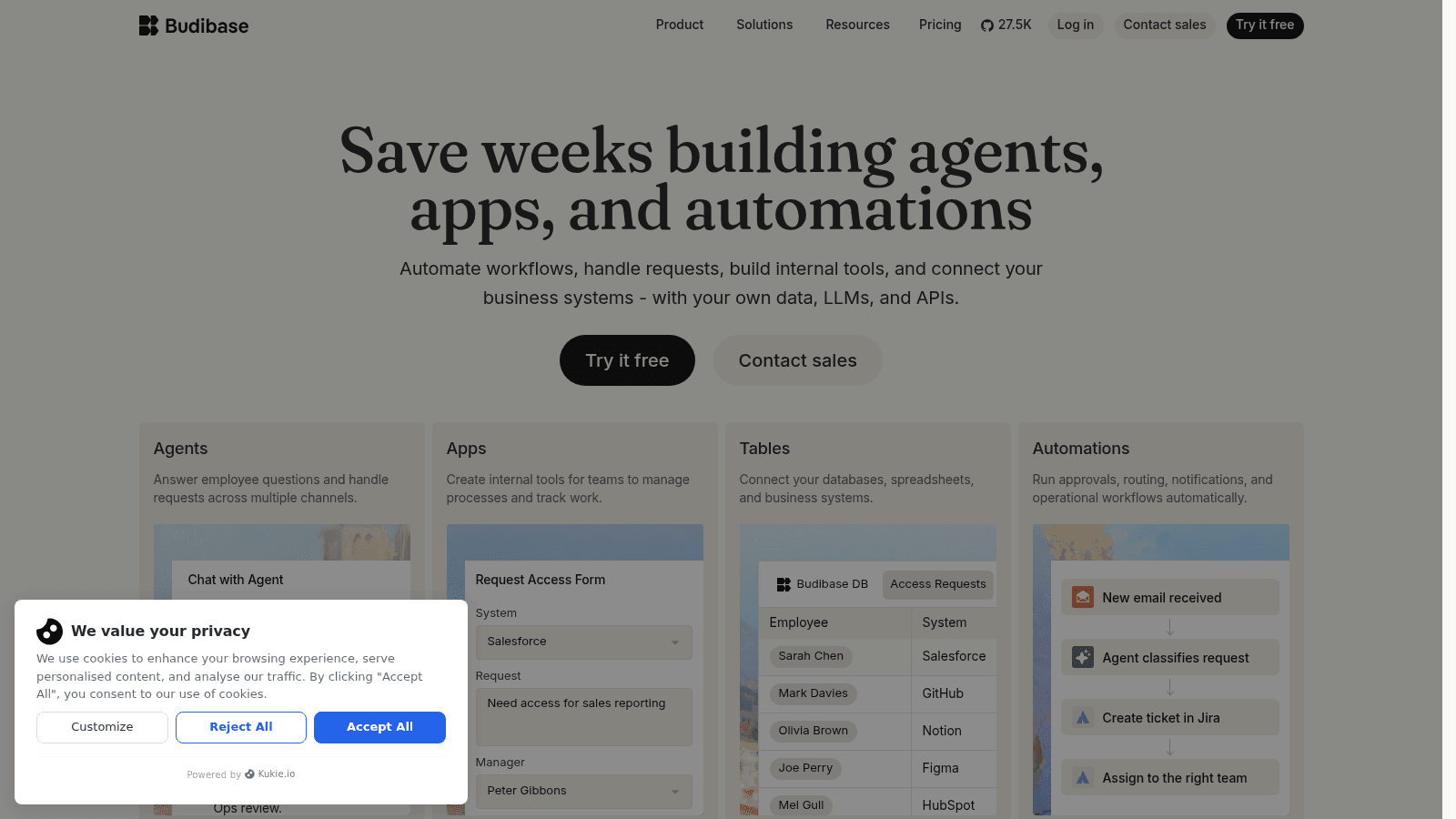
Budibase is the open-source option here, offering to save weeks building agents, apps and automations against your own data, LLMs and APIs.
Its distinguishing feature is self-hosting. You can run it on your own infrastructure, which matters when data residency or air-gapped deployment is a requirement rather than a preference.
Key strengths: open source with self-hosting, connects to existing databases directly, automation and agent capability, active developer community
Pricing: cloud plans start at $19 per month (Pro, one creator) and $49 per month (Premium) on yearly billing, with end users added at $5 per user per month and extra creators at $50 per creator per month. Monthly billing is 20% higher. The free option is the self-hosted open-source edition; the cloud plans come with a 14-day trial.
Pros: self-hosting removes data-residency objections entirely, splitting creator and end-user pricing keeps wide rollouts affordable, open source means no hard lock-in
Cons: $50 per creator is expensive if many people build, it is less mature than the enterprise platforms on governance and support, and self-hosting means you own the upgrades, backups and uptime
Where teams outgrow it: enterprise governance requirements, particularly formal change control and certification evidence that larger platforms supply as a product.
Final verdict: The strongest choice when self-hosting or open source is a hard requirement, and a reasonable one when it is not.
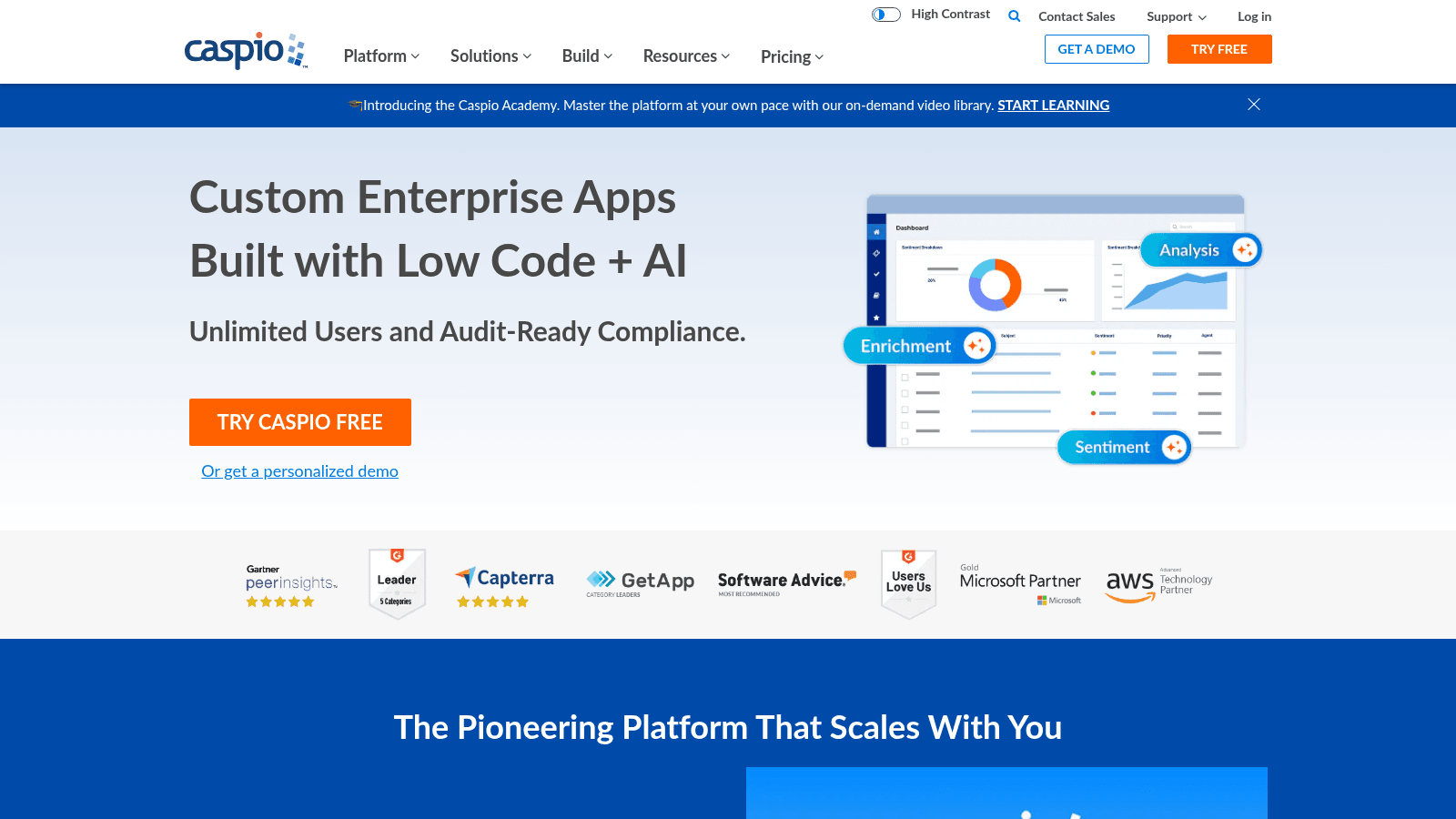
Caspio takes the opposite pricing approach to almost everyone else here, advertising custom enterprise apps with unlimited users and audit-ready compliance.
That single decision, charging for the platform rather than the seat, changes the arithmetic completely for any application with a wide audience.
Key strengths: unlimited users on platform plans, compliance-oriented feature set including HIPAA options, established since the early 2000s, embeddable apps
Pricing: plans from $300 per month, or $270 per month billed annually, with a larger tier at $600 per month or $540 annually. There are no per-user fees. The $15 and $25 monthly figures on its page buy add-on blocks of extra DataPages ($18 and $30 on compliance accounts), and HIPAA/compliance hosting is a separate $500-a-month add-on on a one-year term.
Pros: unlimited-user pricing is a genuine differentiator, compliance hosting sold as a published add-on rather than a sales call, long operating history, apps embed cleanly into existing sites
Cons: the interface and builder feel dated next to newer platforms, it is weaker on complex workflow automation than the process-centric names here, and the ecosystem is much smaller than Microsoft's or Salesforce's
Where teams outgrow it: sophisticated workflow and integration needs, where the flat-fee advantage stops compensating for a thinner automation layer.
Final verdict: The best economics on this list for an internal app with hundreds of users, provided your workflow needs are moderate.
We read every price off the vendor's own pricing page in August 2026, and again on 17 September 2026, rather than repeating figures from other roundups, and where a vendor publishes nothing we say so instead of estimating. Enterprise low-code application platforms are the worst offenders, which is worth knowing before you budget for one as an engine of internal innovation.
We also captured and looked at every platform's current homepage, which caught several repositionings a roundup written from memory would have missed. Retool now leads on securing AI-generated apps, Mendix on orchestrating agents, and Salesforce has rebranded its platform product entirely.
One platform was dropped for a practical reason worth stating. OutSystems is a genuine leader in this category and belongs on any serious list, but its site blocked our screenshot tooling on six separate attempts across four URLs, and we do not publish an entry without a verified capture. Its own pricing FAQ confirms it publishes no figures, aligning licensing to application complexity, users, environments and compute instead.
Sticker price and total cost diverge faster here than in most software categories, because the pricing model matters more than the rate.
| Pricing model | Platforms | What happens as you grow |
|---|---|---|
| Per user, per month | Power Apps, Quickbase, Zoho Creator, Salesforce | Cost scales linearly with headcount, painful above a few hundred users |
| Per user, per app | Mendix, Appian | Cost scales with users multiplied by applications, the steepest curve here |
| Split by user type | Retool, Budibase | Builders cost more, viewers cost little, which suits wide read-only rollouts |
| Flat platform fee | Caspio | Cost is flat regardless of users, cheapest at scale and priciest for a small team |
Run the arithmetic at your projected user count rather than today's. A $25 per-seat platform is $6,000 a year at 20 users and $150,000 at 500, and the second number is squarely in custom-build territory.
That crossover is the single most useful calculation in this whole category, and it is worth doing before you commit, not after you have shipped the first version.
Adoption context helps when you weigh the AI features these vendors now lead with. The U.S. Census Bureau measured AI use across American businesses at 19.8% in May 2026, and even among employers of 250 people or more the figure reached only 37%. Low code ai tools are a minority practice today, not the norm the marketing implies.
Nobody outgrows low-code in the abstract. They hit one specific limit, and it is nearly always one of four.
The first is data volume. Platforms impose row and query limits, and Appian is unusually honest in publishing them: a single data source and 4 million rows per record type on Standard, 20 million on Advanced. Others enforce comparable limits without stating them, and you find out when a report times out.
The second is integration depth. Connecting to a system with a clean REST API is easy everywhere. Connecting to something with unusual authentication, batch processing or an undocumented interface is where visual builders stop and you need real code, which the no-code tools cannot give you at all.
The third is permissions. Simple role-based access is standard. Rules like "a regional manager sees their own region's data, plus aggregated national figures, except during audit periods" tend to exceed what the permissions UI can express, and get implemented as workarounds that quietly become security problems.
The fourth is release control. Once an application is business-critical, you need environments, staged releases and the ability to roll back. The enterprise platforms handle this properly; the cheaper ones often let you edit production directly, which is fine until it is not. Applications that reach real scale usually also hit infrastructure decisions the platform makes for you, which is a different conversation about how the underlying system scales.
There is a fifth issue that is not a wall so much as a slow leak, and it is governance. OWASP maintains a Citizen Development Top 10 of security risks specific to software built with low code development tools, naming Microsoft Power Platform, SAP, ServiceNow and Salesforce directly.
Its list runs from blind trust and account impersonation through sensitive data leakage to asset management and logging failures. That is a precise description of what happens when people ship applications without review.
Hitting a limit is not a failure of the platform or of your judgment. It usually means the application succeeded, and success moved the requirements.
The cheapest response is to narrow the application rather than replace it. Move the one report that times out into a proper database, or hand the one integration that will not behave to a small piece of custom code, and leave everything else where it is. Most teams jump straight to a rebuild when a targeted fix would have bought two more years.
When a rebuild is genuinely warranted, the platform version is an asset rather than a loss. It is a working specification that real users have already validated, which removes most of the discovery risk from the build.
We saw this with iCopy, where the work involved a proprietary platform called Nimbus plus a clickable prototype that doubled as a sales asset. The full platform build is documented on our site, and the client reported volume up 300% and revenue up tenfold within two years of launch.
The pattern worth noticing is that the interface design usually survives a rebuild even when the platform does not, so treating the first version as a design artifact rather than disposable scaffolding saves real money.
Pick on the wall you will hit, not the demo you liked. If your application will hold millions of rows, ask about row limits in the first call. If it will serve hundreds of occasional users, weight flat-fee pricing heavily. If your team already writes SQL, buy the platform that lets them.
Then set the governance rules before the first application ships rather than after the tenth. Who can publish to production, what data classifications are allowed on the platform, and who reviews an app before it touches customer data. These questions cost an afternoon now and a security incident later.
One more thing is worth budgeting for whichever way you go. Low code app development software gets you a working interface quickly, but it will not make a confusing process clear, and our design practice spends much of its time on exactly that gap.
Low-code development tools let you drop into real code where the visual builder runs out, through custom scripts, API calls or database functions. No-code removes that option entirely, so anything the builder cannot express simply cannot be built.
That difference decides who owns the tool. No-code belongs to business users; low-code sits between the business and IT, which is why the platforms in this list ship environment separation, audit logs and governance features that no-code tools generally skip.
Published entry prices in this comparison run from $8 per user per month at Zoho Creator to $1,090 per month for Mendix Standard, with Caspio charging a flat $300 per month for unlimited users. Two platforms here publish nothing at all.
The pricing model matters more than the rate. Per-user pricing scales linearly with headcount, per-user-per-app pricing scales fastest, and flat platform fees get cheaper per person as you grow. Model your projected user count, not today's.
When you hit one of four limits: data volume beyond the platform's row and query caps, an integration too awkward for the visual builder, permission rules the access model cannot express, or a need for proper environments and rollback that the platform does not support.
Even then, the first move is usually to narrow the application rather than replace it. Moving one heavy report or one difficult integration into custom code often buys years and costs a fraction of a rebuild.
The platforms themselves are generally well built, and the enterprise ones carry serious compliance certifications. The risk sits in how they get used, because they let people ship applications without the review a normal development process applies.
OWASP maintains a Citizen Development Top 10 covering exactly these risks, including blind trust in platform defaults, account impersonation, sensitive data leakage and failures in asset management and logging. Governance rules agreed before the first app ships address most of them.
Some can, but most of the platforms here are optimized for internal tools, where user counts are known, authentication comes from your identity provider, and traffic is predictable.
Customer-facing use raises different questions: how pricing behaves with unpredictable external user numbers, how the platform handles unauthenticated traffic, and how much control you have over performance and branding. Retool, Budibase and Caspio address external users explicitly; several others do not.
If you are weighing low code development software against a custom build, or working out whether a wall you have hit needs a patch or a rebuild, the answer depends on which of the four walls it is.
Contact us and we will help you name it. We will also tell you when the platform is still the right answer, which it often is.